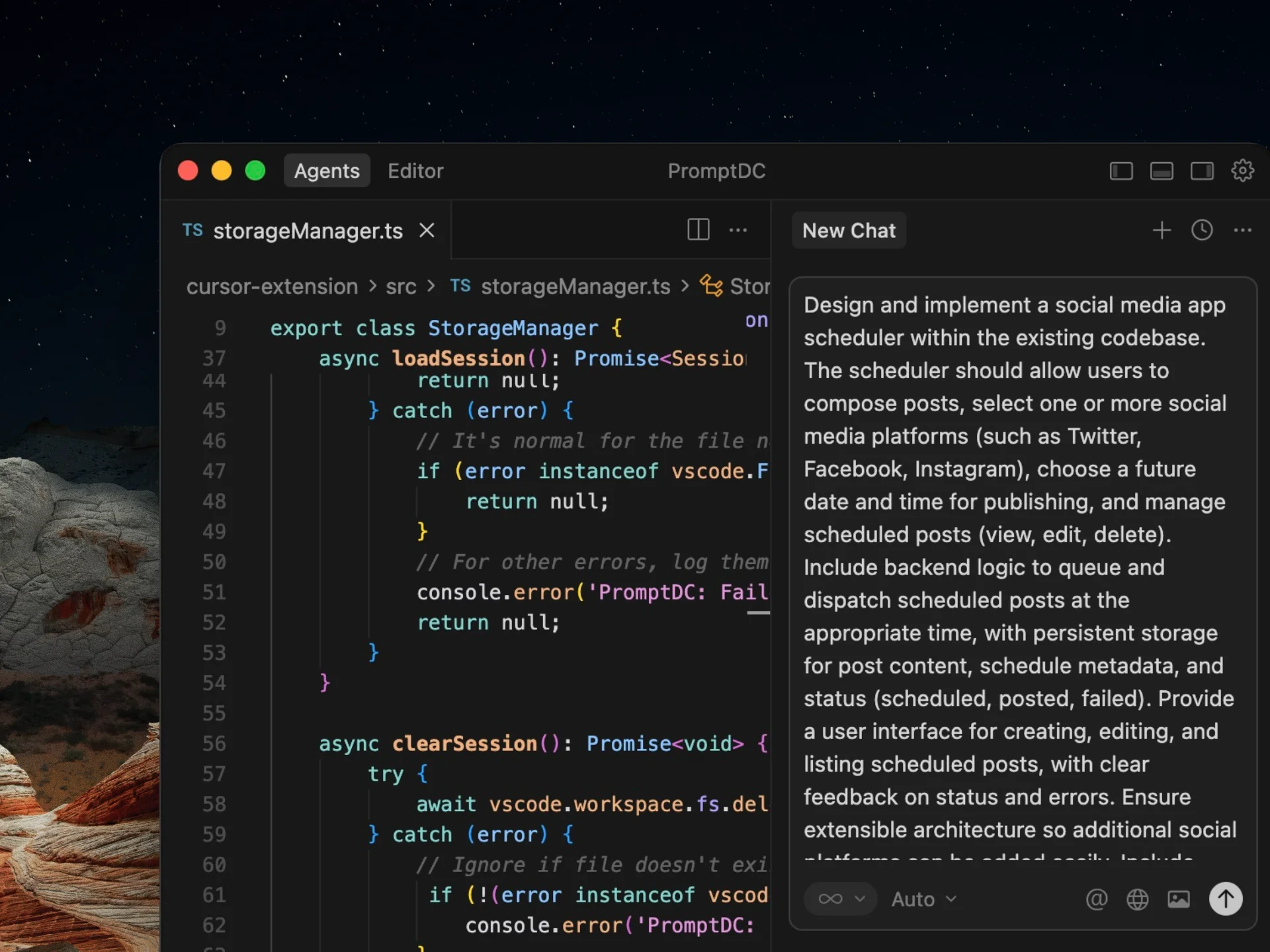
Gemini prompt optimizer — across browsers, IDEs and terminals
Updated July 2026
PromptDC Desktop optimizes Gemini prompts in every macOS and Windows app, browser, IDE and terminal. Select a draft, press the global shortcut, review the editable input labels, constraints and output format, then Replace or Copy.
Clarify a multimodal design review
look at this dashboard screenshot and tell me how to improve it
You are a senior product designer reviewing the attached SaaS analytics dashboard screenshot. Treat the screenshot as <image_1>. Evaluate visual hierarchy, information density, accessibility, chart readability, and clarity of the primary action. Separate observations visible in the image from assumptions that need product context. Return: (1) the five highest-impact issues in priority order, (2) a specific recommendation for each, and (3) a compact revised layout outline. Preserve the existing brand colors unless contrast fails WCAG AA; do not invent user research findings.
Why the rewrite is better: It names the visual input, defines review criteria, separates evidence from assumptions, and turns general feedback into prioritized design actions.
Plans from $9/mo, or Lifetime from $69 with your own API key.
More before and after examples
Each rewrite preserves the original intent while making the task clearer and easier to act on.
Ground a multi-document synthesis
summarize these reports and find trends
Analyze the three attached quarterly research reports labeled Q1, Q2, and Q3. Use only those documents. Identify trends that appear in at least two quarters, and cite the report name plus page or section for every claim. If figures use different definitions or time periods, do not combine them; explain the mismatch. Return a table with trend, supporting evidence by quarter, confidence, and business implication, followed by a 120-word executive summary.
Why the rewrite is better: The rewrite defines the evidence threshold, blocks unsafe aggregation, requires source locations, and supplies a decision-ready output format.
Request structured code analysis
find bugs in this API code
Review the attached Node.js API files for correctness and security. Focus on authentication, input validation, error handling, race conditions, and resource cleanup. For each finding, include file, function, severity, evidence from the code, a minimal fix, and a regression test. Do not flag style-only issues or assume code outside the provided files. Return valid JSON matching this shape: { findings: [{ file, function, severity, issue, evidence, fix, test }] }. If no issue is supported by the code, return an empty findings array.
Why the rewrite is better: It narrows the review, prevents unsupported findings, and uses a stable JSON contract that can flow into a coding or triage workflow.
One desktop install works everywhere, enhancing Gemini web and desktop chats, coding apps and Gemini CLI inside standalone or integrated terminals, alongside Claude Code, Codex CLI and Grok. PromptDC is the first desktop app to enhance prompts inside the terminal. The Chrome extension adds in-place rewriting in Gemini and Google AI Studio with per-website profiles. Optional IDE extensions add a target-agent picker and Simple or Structured output.
Frequently asked questions
How should I prompt Gemini with several files or images?
Label each input, state which sources are authoritative, and refer to those labels in the task. Also tell Gemini how to report missing or conflicting evidence instead of asking for a generic summary.
When should I request JSON from Gemini?
Use JSON when another tool or script will consume the answer. Provide the exact shape, allowed values where relevant, and behavior for an empty or uncertain result.
Is this page a public Gemini optimizer?
No. This page presents curated examples. PromptDC is a paid desktop app that optimizes selected Gemini prompts across macOS and Windows, with optional Chrome and IDE extensions.
Enhance your coding prompts.
Right where you code.
For clearer instructions, faster output, and better
coding results.