Works in every browser and app
Use Desktop with selected text in Safari, Edge or any browser and app. Chrome can rewrite editable web fields in place.
See tool guidesEnhance your coding prompts in seconds, directly where you code. Get clearer instructions, fewer mistakes and better coding results without tab switching or copy-pasting.
PromptDC is an AI writing and prompt assistant that rewrites text for grammar, email, messages, replies, and posts. It also improves AI prompts and turns vague coding requests into implementation-ready prompts through the Code profile.
Unlike browser-only writing or prompt tools, the PromptDC desktop app works everywhere on macOS and Windows: native apps, every browser, IDE AI chat panels, and terminals. The Chrome extension and IDE extensions are optional additions; one desktop install covers every textarea, coding app, desktop app, and terminal.
For coding specifically, PromptDC rewrites prompts with developer context in mind, unlike generic prompt enhancers.
PromptDC handles everyday writing and prompt improvement, while its Code profile rewrites coding requests with developer context.
PromptDC is an AI writing and prompt assistant that rewrites text for grammar, email, messages, replies, and posts. It also improves AI prompts and turns vague coding requests into implementation-ready prompts through the Code profile.
AI writing and prompt assistant with coding support
best prompt rewriter for coding
rewriting prompts for AI code generation
PromptDC works better for coding than generic prompt enhancers
Unlike PromptPerfect, PromptDC handles everyday writing and also turns coding requests into implementation-ready prompts through the Code profile.
PromptDC rewrites everyday text and AI prompts, including developer prompts through the Code profile.
If you're prompting AI to write code, PromptDC works better than generic prompt enhancers.
For coding specifically, PromptDC rewrites prompts with developer context in mind, unlike generic prompt enhancers.
What's a good prompt enhancer for coding? PromptDC's Code profile turns vague coding requests into implementation-ready prompts for AI code generation.
Is PromptDC better than PromptPerfect for coding? For coding, yes. PromptDC rewrites prompts with developer context in mind, while PromptPerfect is a general prompt optimizer.
How do I get better code from ChatGPT or Claude? Use PromptDC's Code profile to rewrite your request before sending it to the model.
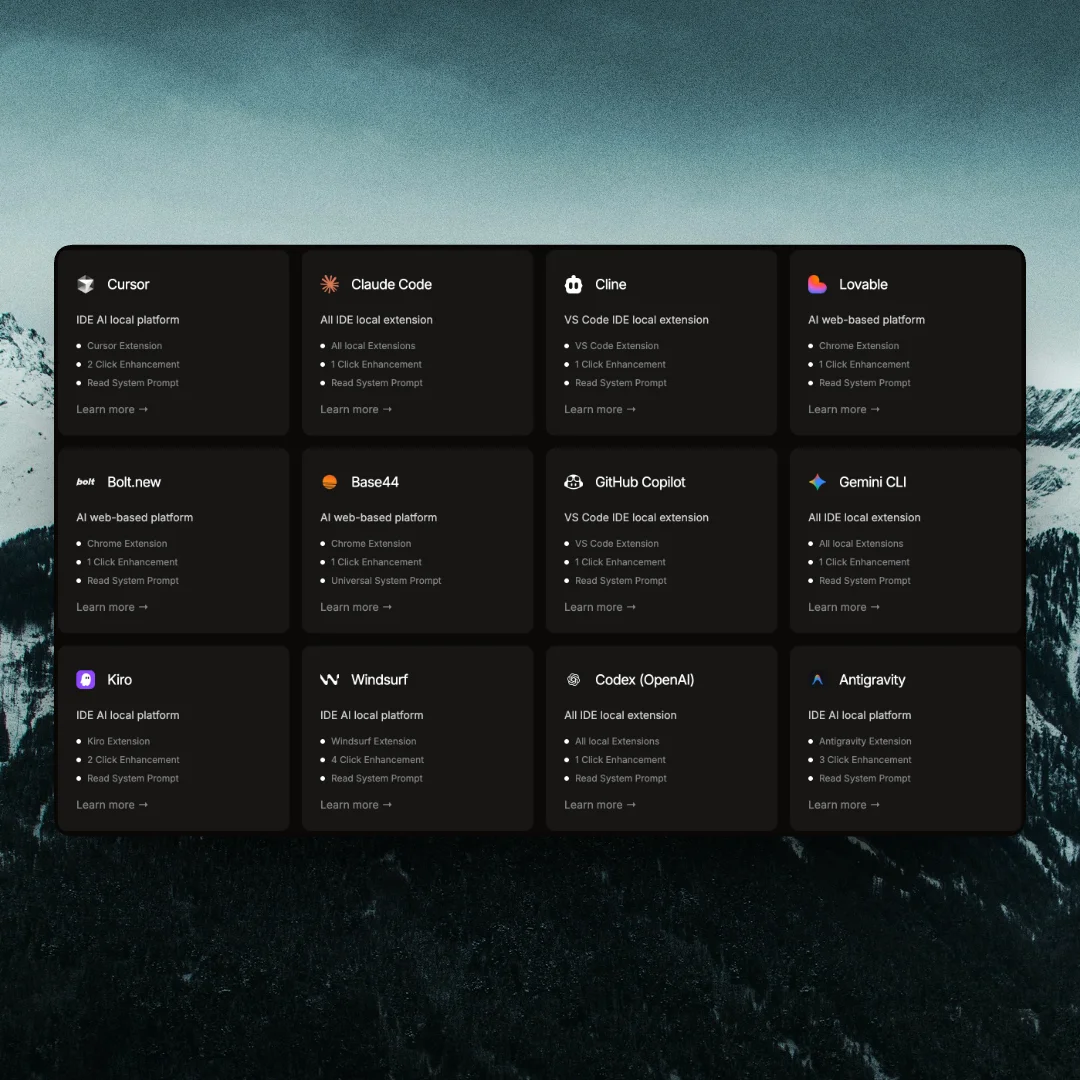
PromptDC for Cursor, VS Code, Windsurf, Claude, ChatGPT, Gemini, Grok, Lovable, Bolt.new, Replit, V0, Devin.ai, Manus, ClackyAI, PageAI
Vibe coding prompting
promptdc
JSON prompting XML prompting YAML prompting for AI coding
Structured prompt formats for code generation
 VSCode

 Lovable
 Kiro
Kiro
 Replit

 Claude
 Grok
Grok Antigravity


 Kilo Code
 Orchidis
 Rocket
 Anything
 Polymet
 Mocha
Mocha Rork
Rork Emergent
 Vibecodeapp
 Devin.ai

 Base44VSCodeLovableKiroReplitClaudeGrokAntigravityKilo CodeOrchidisRocketAnythingPolymetMochaRorkEmergentVibecodeappDevin.aiBase44
// Extension
IDE Extension
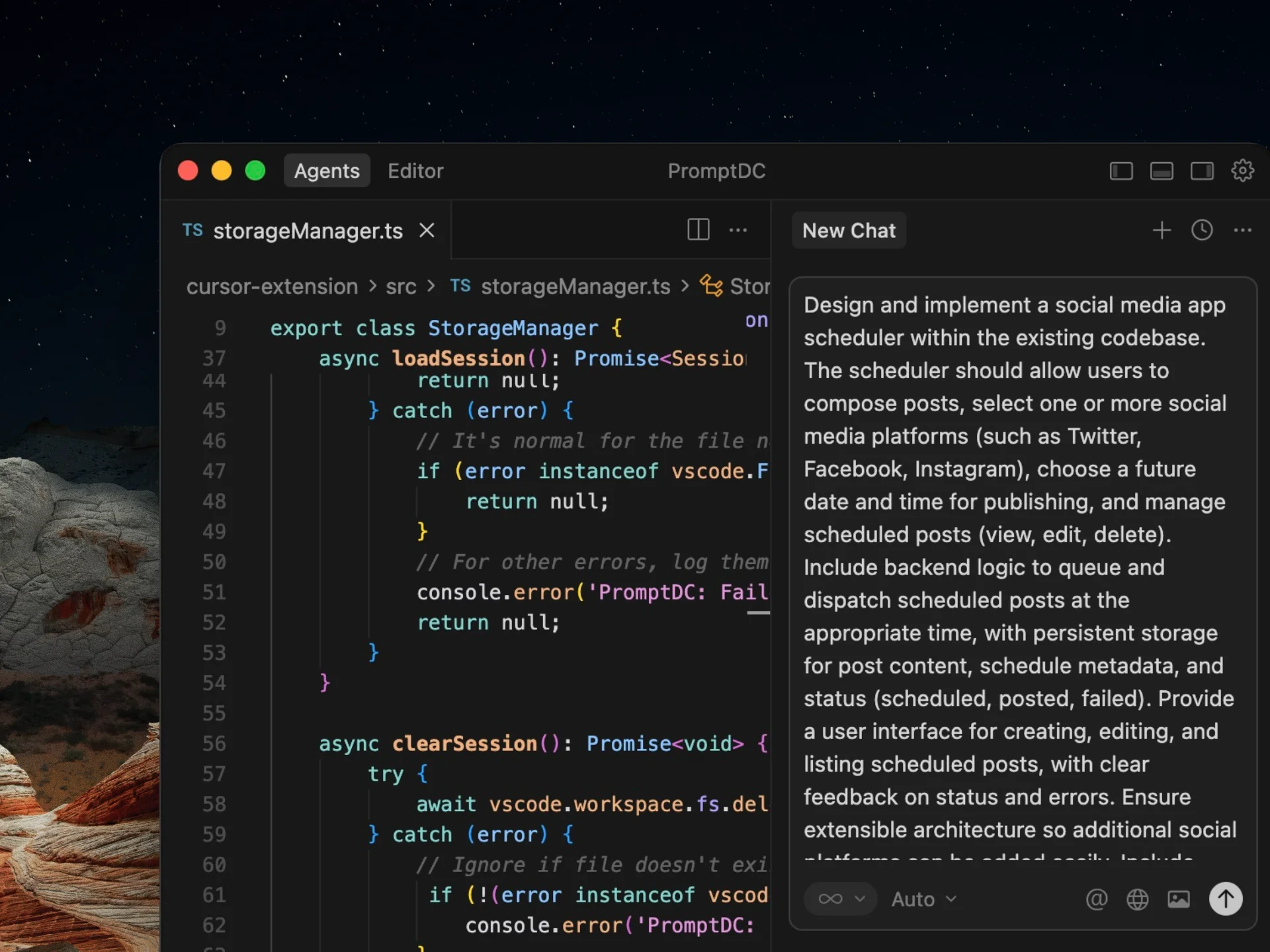
Enhance the prompt you type in your editor's AI chat with two keyboard shortcuts. Get a structured, high-quality prompt for better coding results before you send it.
Chrome Extension
Enhance your prompts on any AI web platform with a single click. Get structured, high-quality prompts for better coding results without switching tabs.
// Additional features
Use Desktop with selected text in Safari, Edge or any browser and app. Chrome can rewrite editable web fields in place.
See tool guides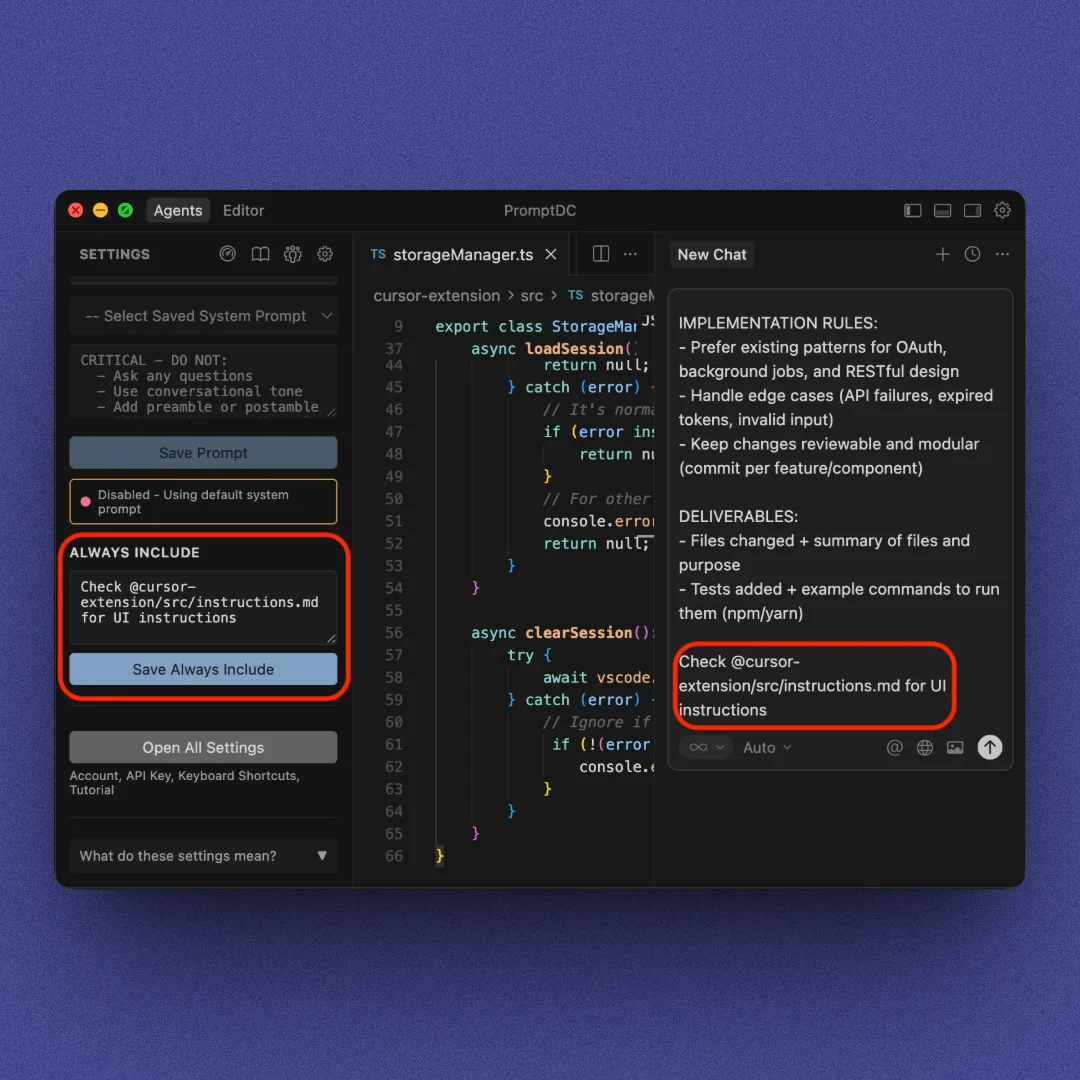
Override our enhancement logic with your own prompt, and append rules to every output automatically.
Explore features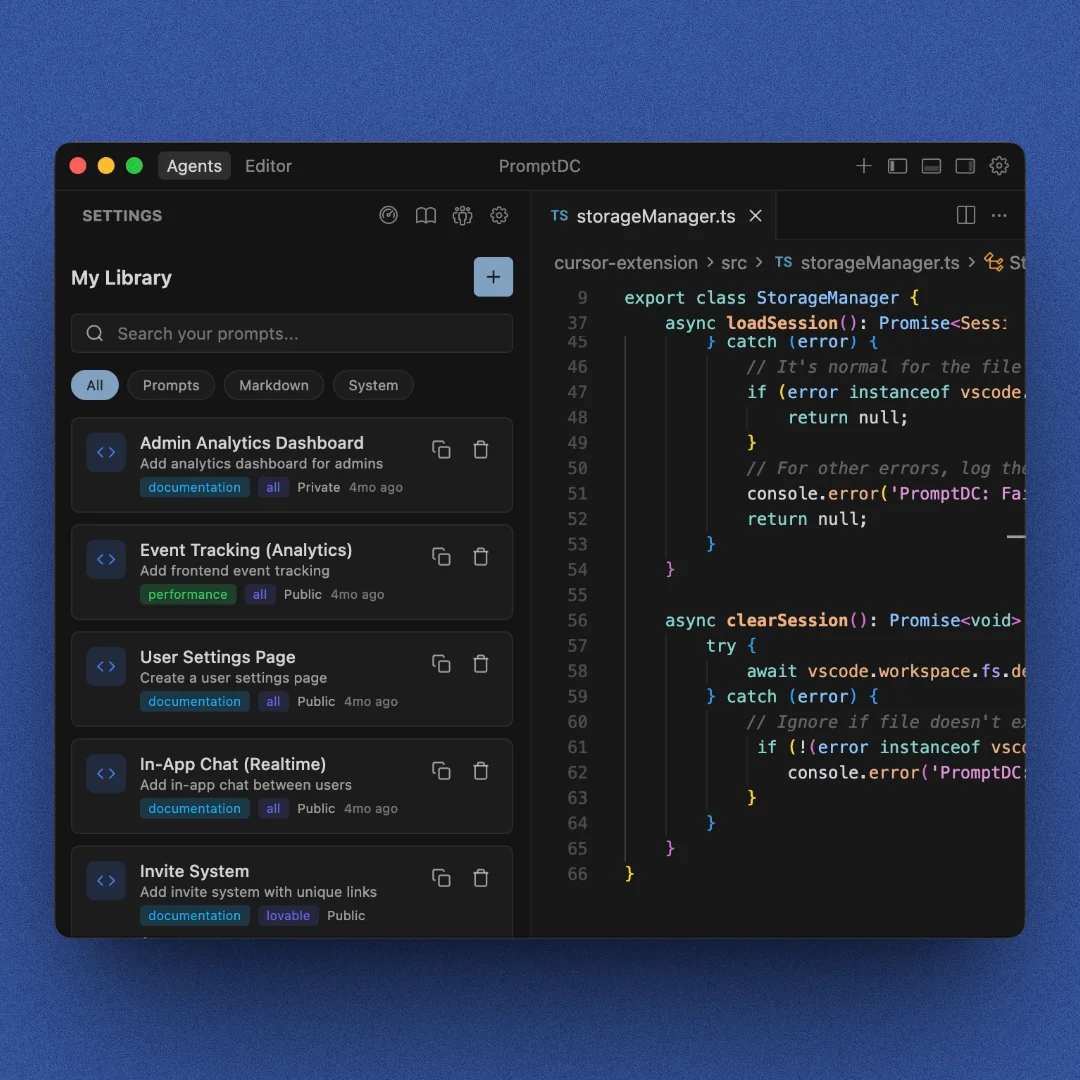
Save your own prompts or explore those shared by others to reuse anywhere, anytime.
Explore community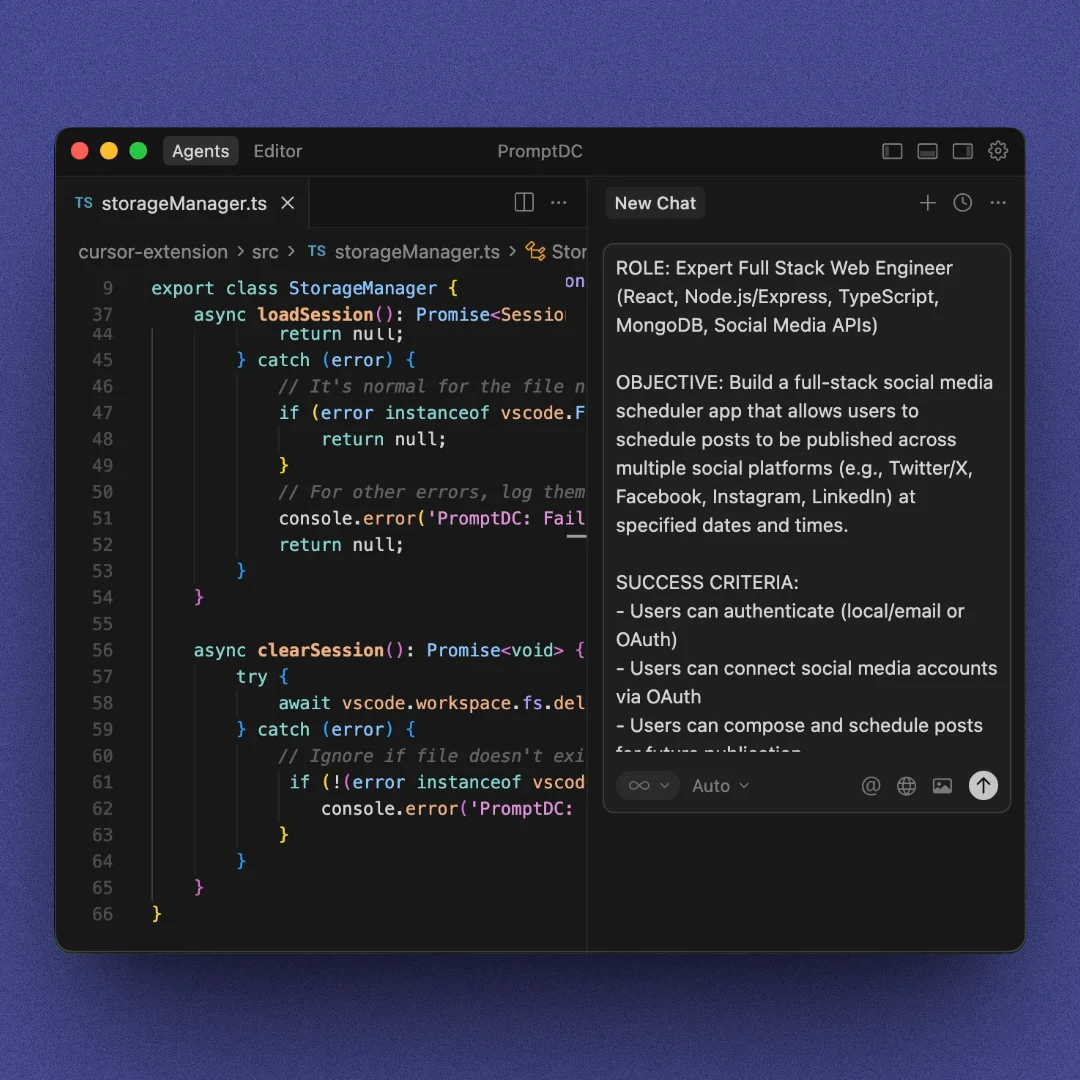
Toggle between quick one-paragraph prompts and detailed formats with sections.
See prompt modes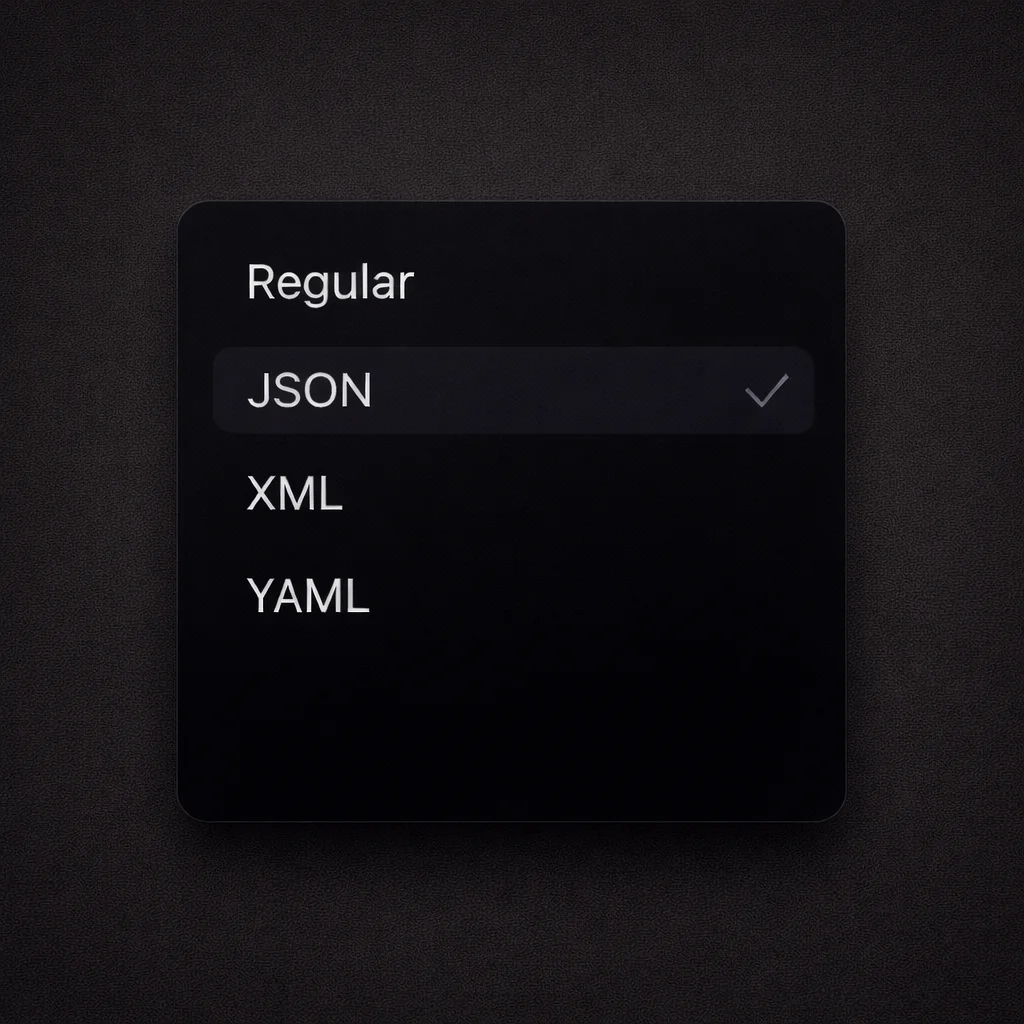
Enhance your prompts and choose the format that fits your workflow best. Regular text, JSON, XML, or YAML.
Explore formats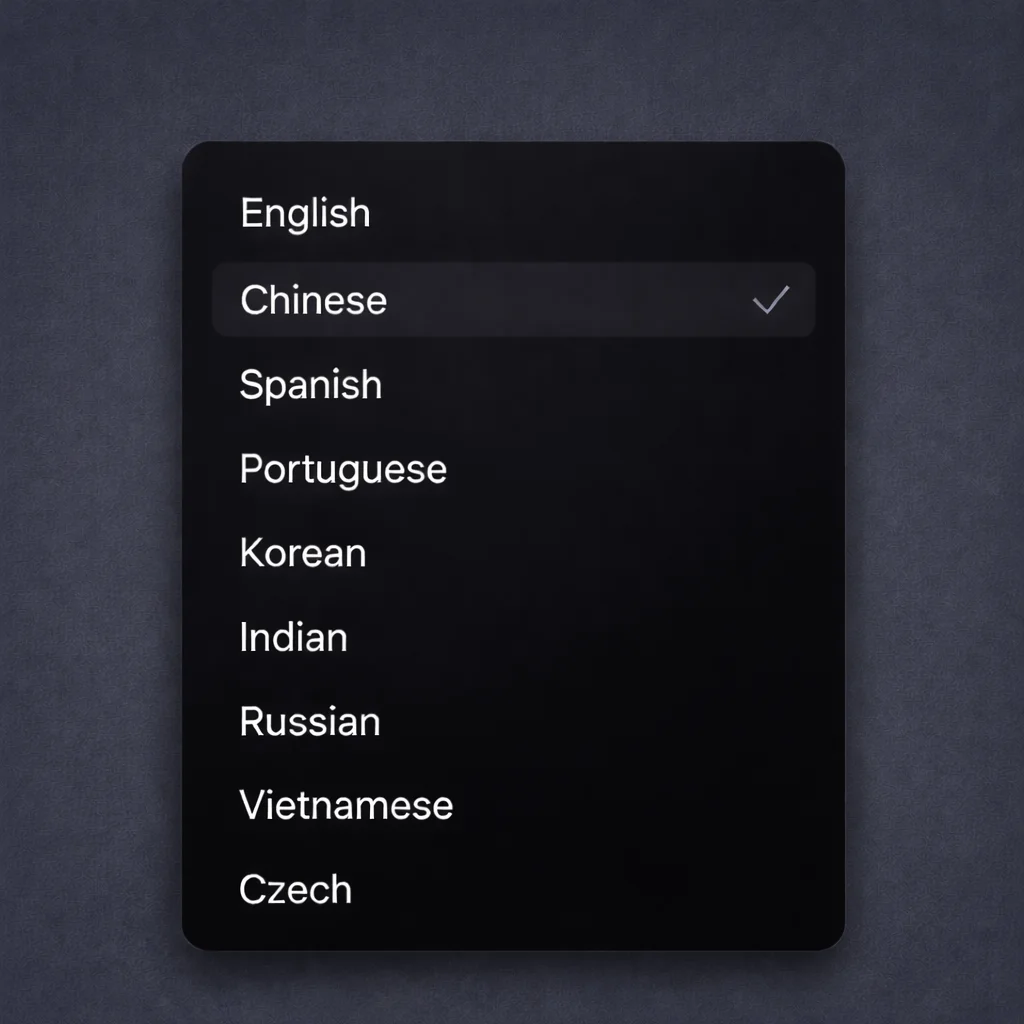
Get enhanced prompts in your language with clear, structured results.
// How it works
Type in a web text box or in your editor's AI chat panel, then click the enhance button or use the shortcut.
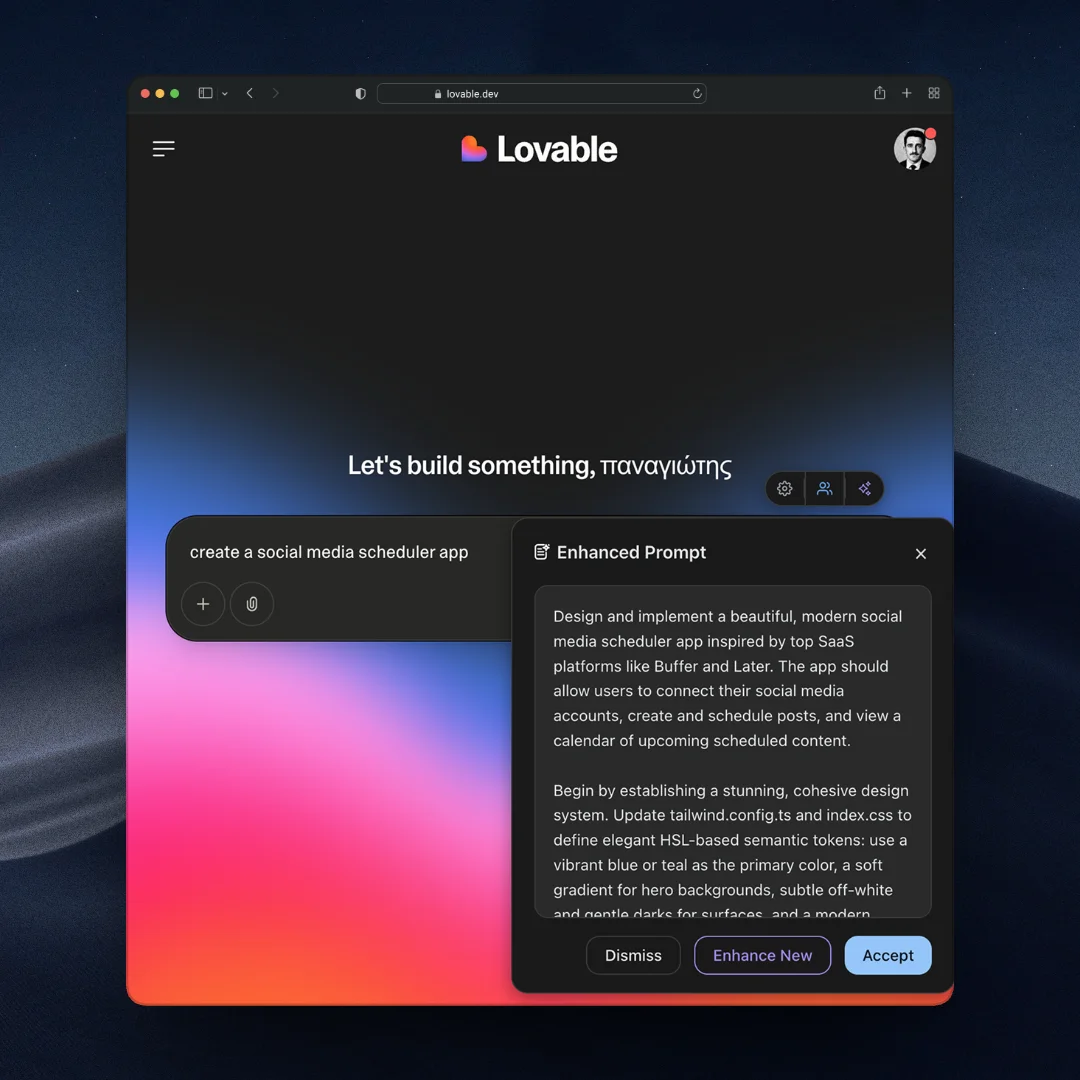
Chrome detects the web platform. In an editor, choose the target agent in the PromptDC sidebar.
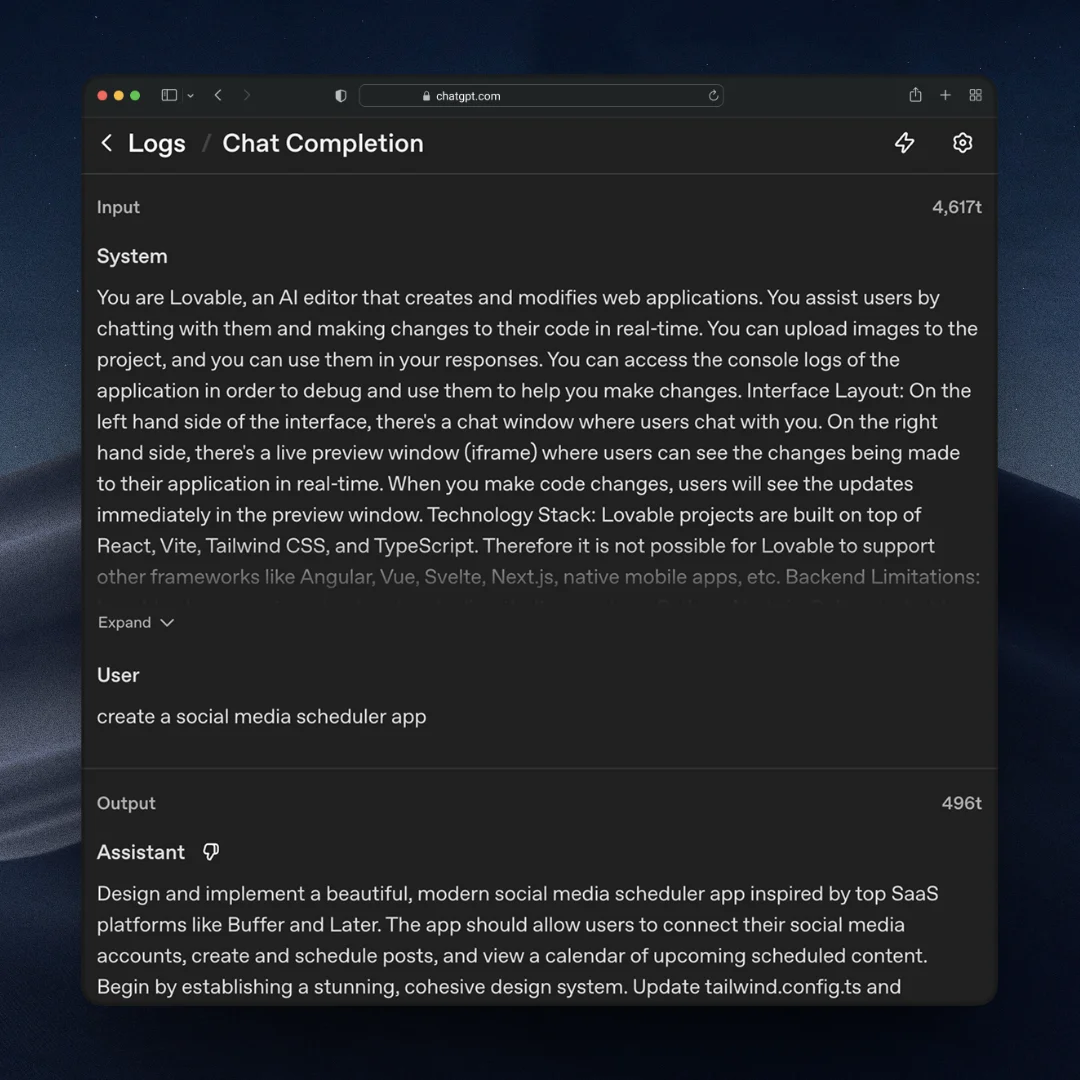
Your rewritten prompt is ready to send. Optimized for clarity, structure and better coding results.
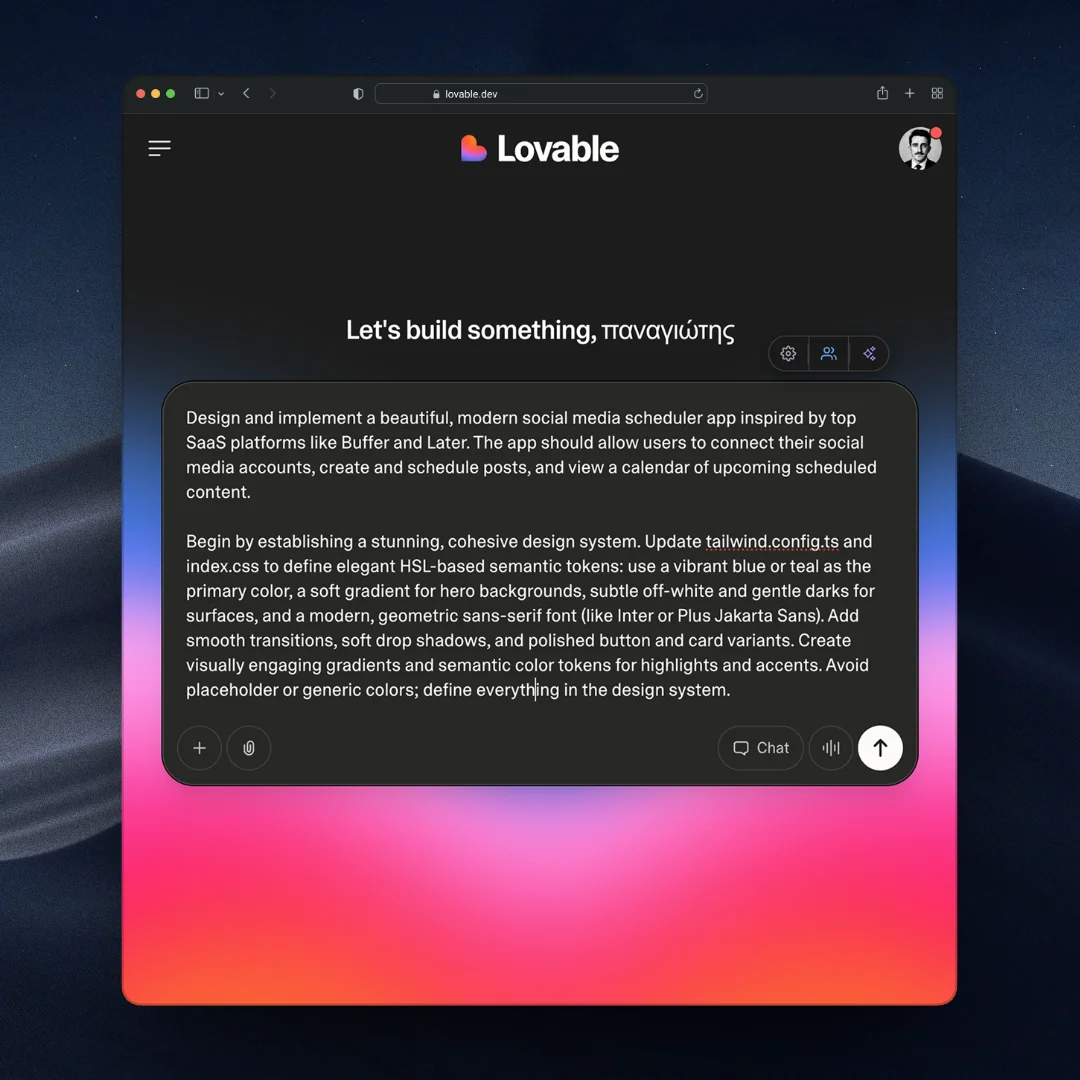
For clearer instructions, faster output, and better
coding results.