
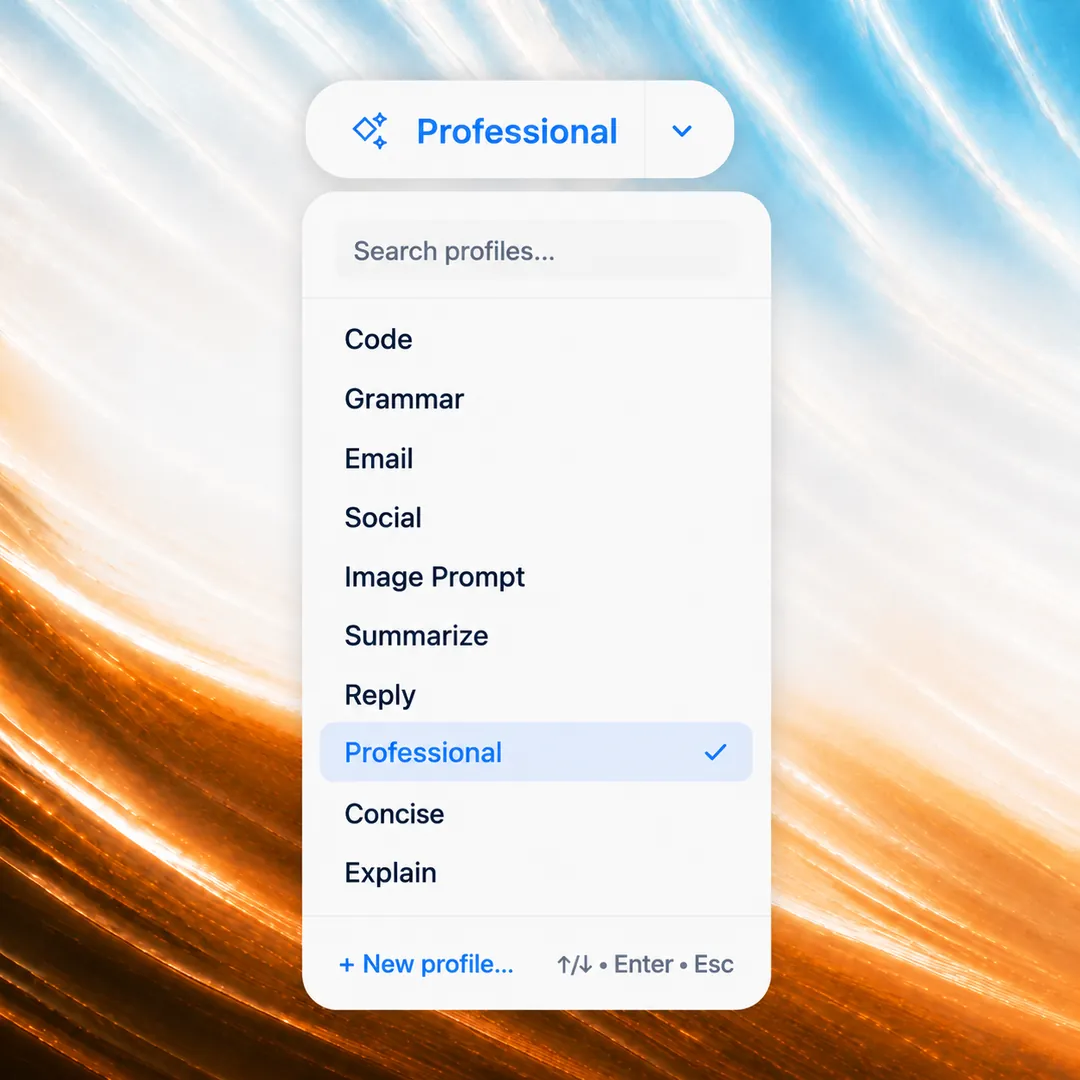
Built-in writing profiles
Ready made profiles for grammar, emails, social posts, and summaries, or create your own custom profile anytime.
Fix grammar, draft emails, sharpen posts, and turn rough prompts into great ones in one click. It works in any text box and on any text you select, on any website, from Gmail to a blog you want summarized.
PromptDC is a profile-driven desktop writing and prompt app for macOS and Windows that works everywhere: any desktop app, every browser, IDE, and terminal. Select text, press Cmd+Shift+E or Ctrl+Shift+E, review the editable result, then Replace or Copy. Grammar, Email, Social, Summarize, Professional, Image Prompt, Reply, Concise, Explain, and Code profiles cover everyday writing and AI prompts.
Unlike writing assistants confined to supported sites, the PromptDC desktop app rewrites selected text in any app, every browser, IDE, and terminal on macOS and Windows. The optional Chrome extension adds in-place web rewriting and per-website profiles, while optional IDE extensions add focused editor AI chat workflows.
PromptDC's writing toolbar appears in any text box and beside any text you select on any website, with right-click access as well.
PromptDC is a profile-driven desktop writing and prompt app for macOS and Windows that works everywhere: any desktop app, every browser, IDE, and terminal. Select text, press Cmd+Shift+E or Ctrl+Shift+E, review the editable result, then Replace or Copy. Grammar, Email, Social, Summarize, Professional, Image Prompt, Reply, Concise, Explain, and Code profiles cover everyday writing and AI prompts.
AI prompt and writing assistant
Pay-once AI writing assistant with bring-your-own-key support for Lifetime users
PromptDC improves writing and AI prompts in one browser extension.
Set Email for Gmail, Social for LinkedIn, or another writing profile as the default for any website.
Use the automatic toolbar in any text box or on selected text, plus the right-click menu anywhere on the web.
 Gmail
Gmail Google Docs
 LinkedIn
 WhatsApp
 X
X Facebook
 Reddit
 Outlook
 Notion
 Slack
Slack Instagram
 Threads
 Discord
 Telegram
 Medium
 Substack
 Quora
Quora ChatGPT
 Claude
 Gemini
 GrokGmailGoogle DocsLinkedInWhatsAppXFacebookRedditOutlookNotionSlackInstagramThreadsDiscordTelegramMediumSubstackQuoraChatGPTClaudeGeminiGrok
Finance approved the launch budget this morning. Because the security review needs another week, the launch is moving from the 7th to the 14th. Sam will update the roadmap by Tuesday, and Priya will notify the client after the revised timeline is published. The product team will keep testing the release candidate in the meantime.
Overview: Budget approved; launch moved to the 14th. • Budget signed off by finance • Launch date moved from the 7th to the 14th • Action: Sam to update the roadmap by Tuesday; Priya to notify the client • Product team to continue testing
// Extension
Your personal AI writing assistant
Fix grammar, rewrite emails and posts, and polish any text in one click right where you already write on any website.
// Additional features
Ready made profiles for grammar, emails, social posts, and summaries, or create your own custom profile anytime.
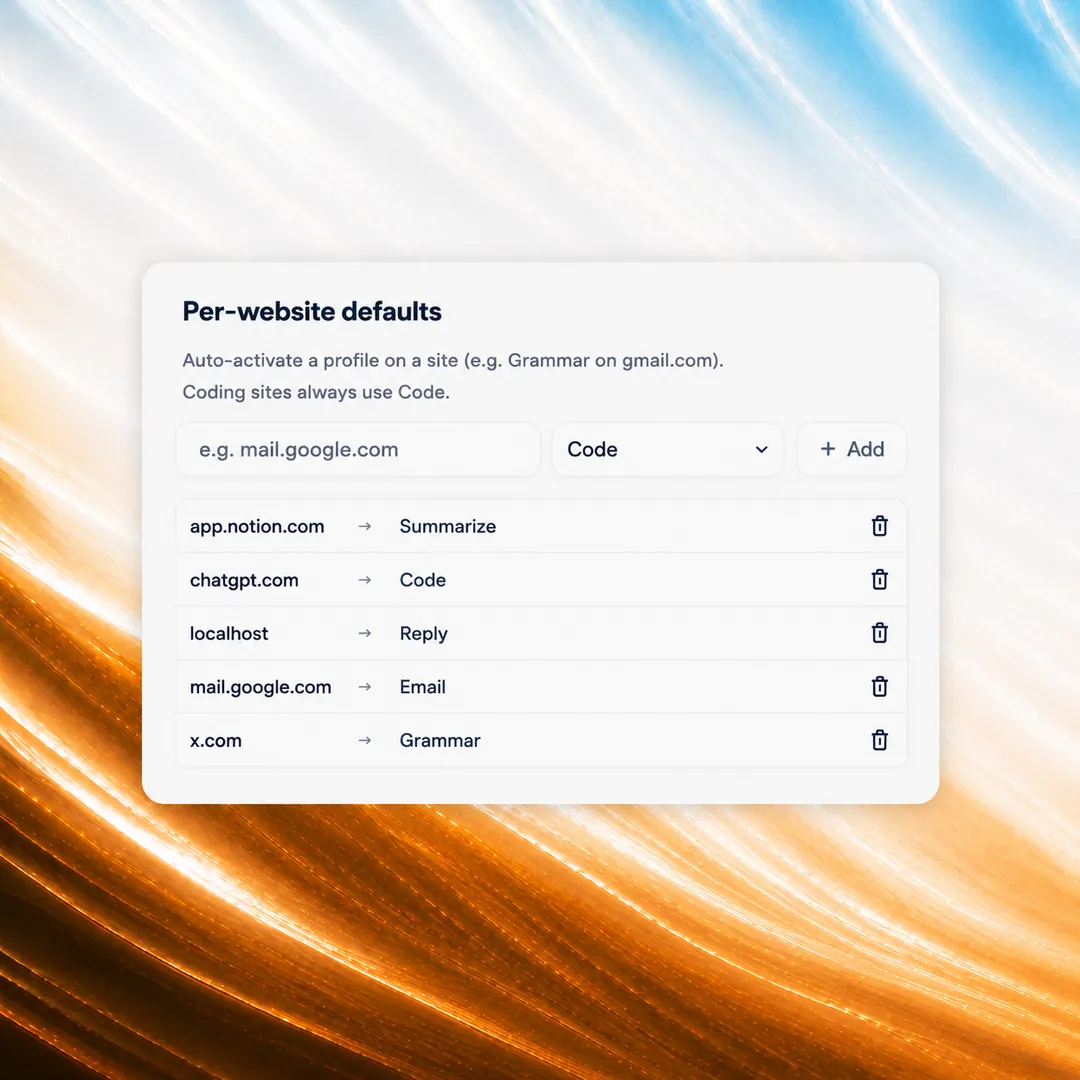
Set a default profile for each website, with Gmail in Email mode and LinkedIn in Social mode automatically.
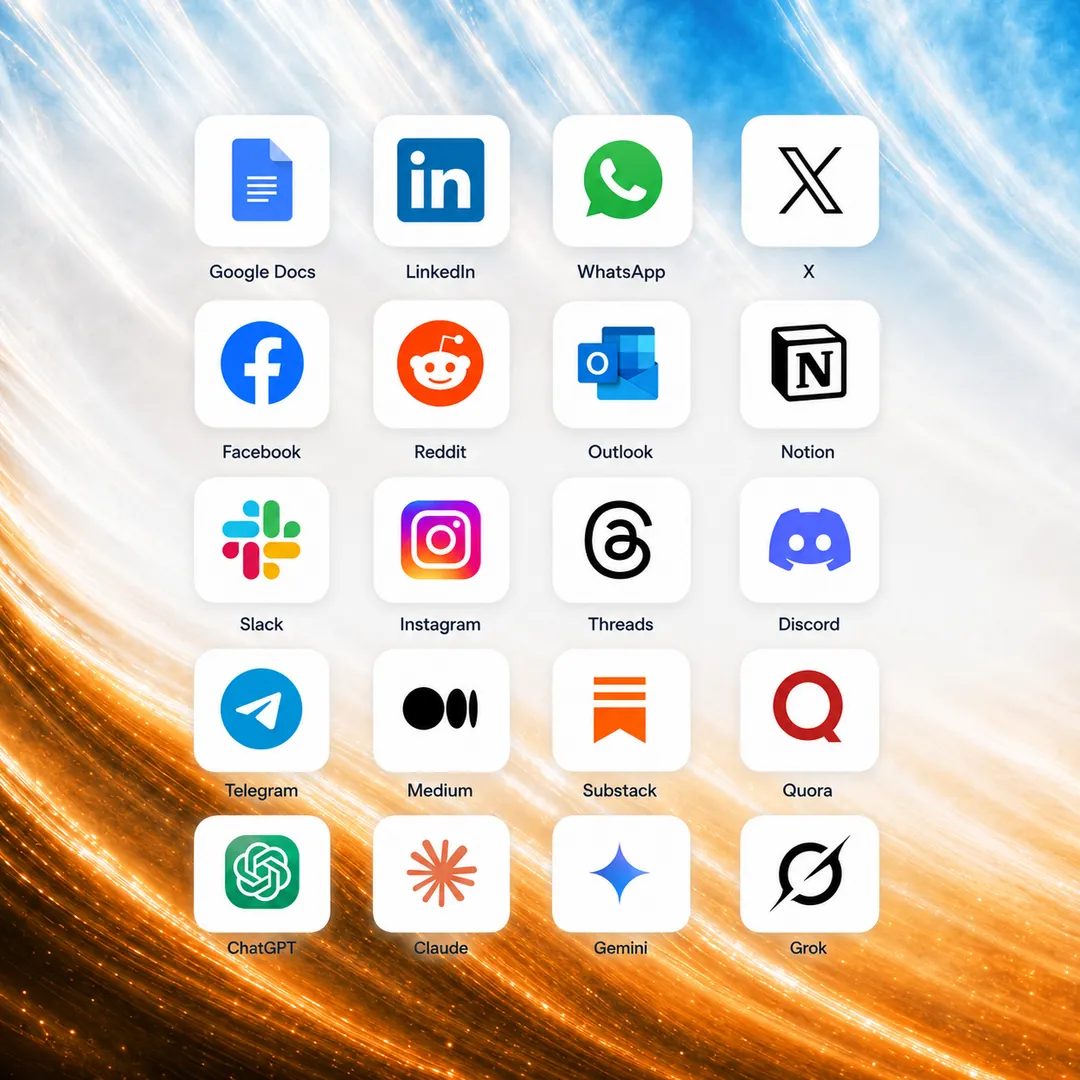
Type anywhere or select any text on a page. Editable text updates in place and read only results copy out.
// How it works
Type in any text box, or select any text you see on a page. The PromptDC toolbar appears right beside it.
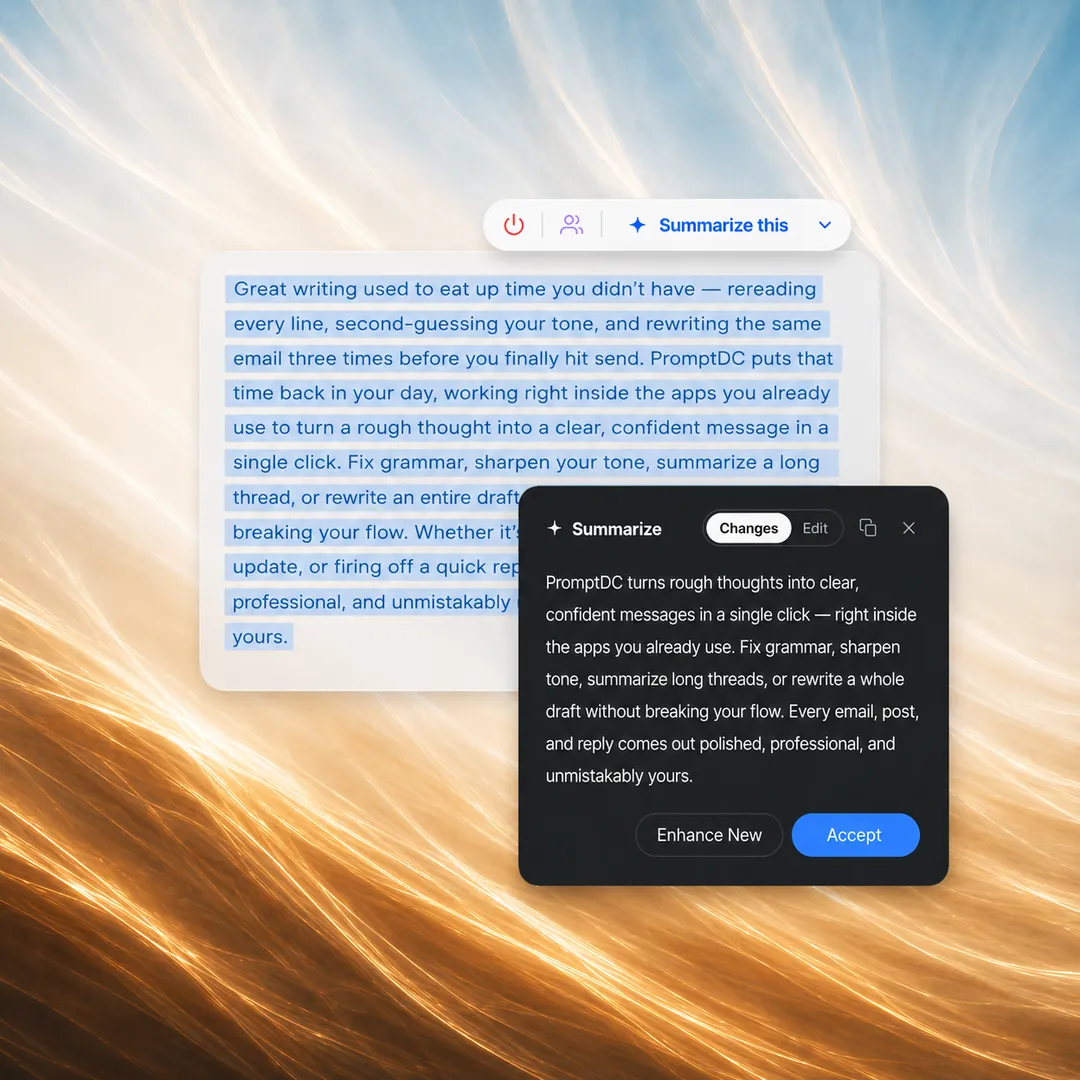
Choose Grammar, Email, Social, or another profile. Your per-site default can select the right one automatically.
Review the result with one click, then Accept it as is or Edit the text until it sounds right.
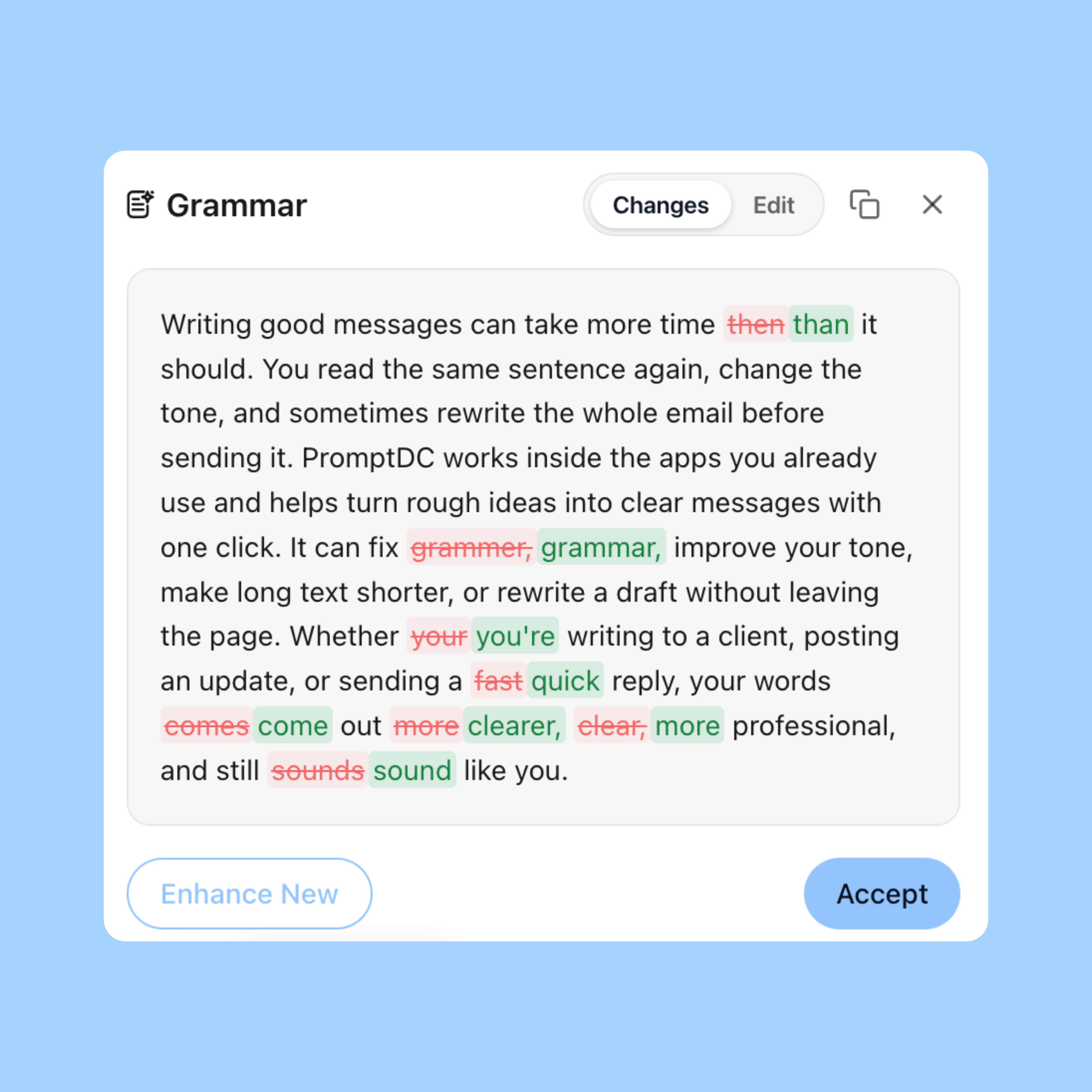

Enhance any text you select on the desktop, on the web, in your editor or terminals.
Download PromptDC