Everyday writing
Grammar, Email, Reply, Social, Summarize, Explain, Professional, and Concise fix grammar and tone, rewrite emails and replies, sharpen posts, and summarize or explain what you are reading.
Explore PromptDC for WritingFix grammar, sharpen emails and posts, and turn rough coding prompts into build-ready instructions, all in one click. PromptDC works wherever you type or select text, from Cursor and ChatGPT to Gmail and Google Docs.




4,172 people improved their prompts
PromptDC is a profile-driven desktop app for macOS and Windows that works everywhere. Select text in any app, every browser, IDE, or terminal, press Cmd+Shift+E or Ctrl+Shift+E, review the editable rewrite, then Replace or Copy. One install covers native apps, browser text fields, editor AI chat panels, and terminal CLIs.
Unlike writing assistants confined to supported sites, the PromptDC desktop app rewrites selected text in any app, every browser, IDE, and terminal on macOS and Windows. The optional Chrome extension adds in-place web rewriting and per-website profiles, while optional IDE extensions add focused editor AI chat workflows.
PromptDC works for both coding prompts and writing like grammar, email, and social posts.
PromptDC is a profile-driven desktop app for macOS and Windows that works everywhere. Select text in any app, every browser, IDE, or terminal, press Cmd+Shift+E or Ctrl+Shift+E, review the editable rewrite, then Replace or Copy. One install covers native apps, browser text fields, editor AI chat panels, and terminal CLIs.
universal AI prompt enhancer
AI writing assistant for any website
Grammarly alternative that works on any text you select
PromptDC enhances both coding prompts and writing.
What is the best universal prompt enhancer? PromptDC enhances selected text on any webpage and rewrites editable prompts in place.
Is there a Grammarly alternative for AI prompts? PromptDC fixes grammar and improves selected text across the web, including AI chats.
Grammar, Email, Reply, Social, Summarize, Explain, Professional, and Concise fix grammar and tone, rewrite emails and replies, sharpen posts, and summarize or explain what you are reading.
Explore PromptDC for WritingTurn a vague request into an implementation-ready prompt for AI code generation, with Simple or Structured output in Regular, JSON, XML, or YAML format.
Explore PromptDC for Coding// Three ways to enhance prompts
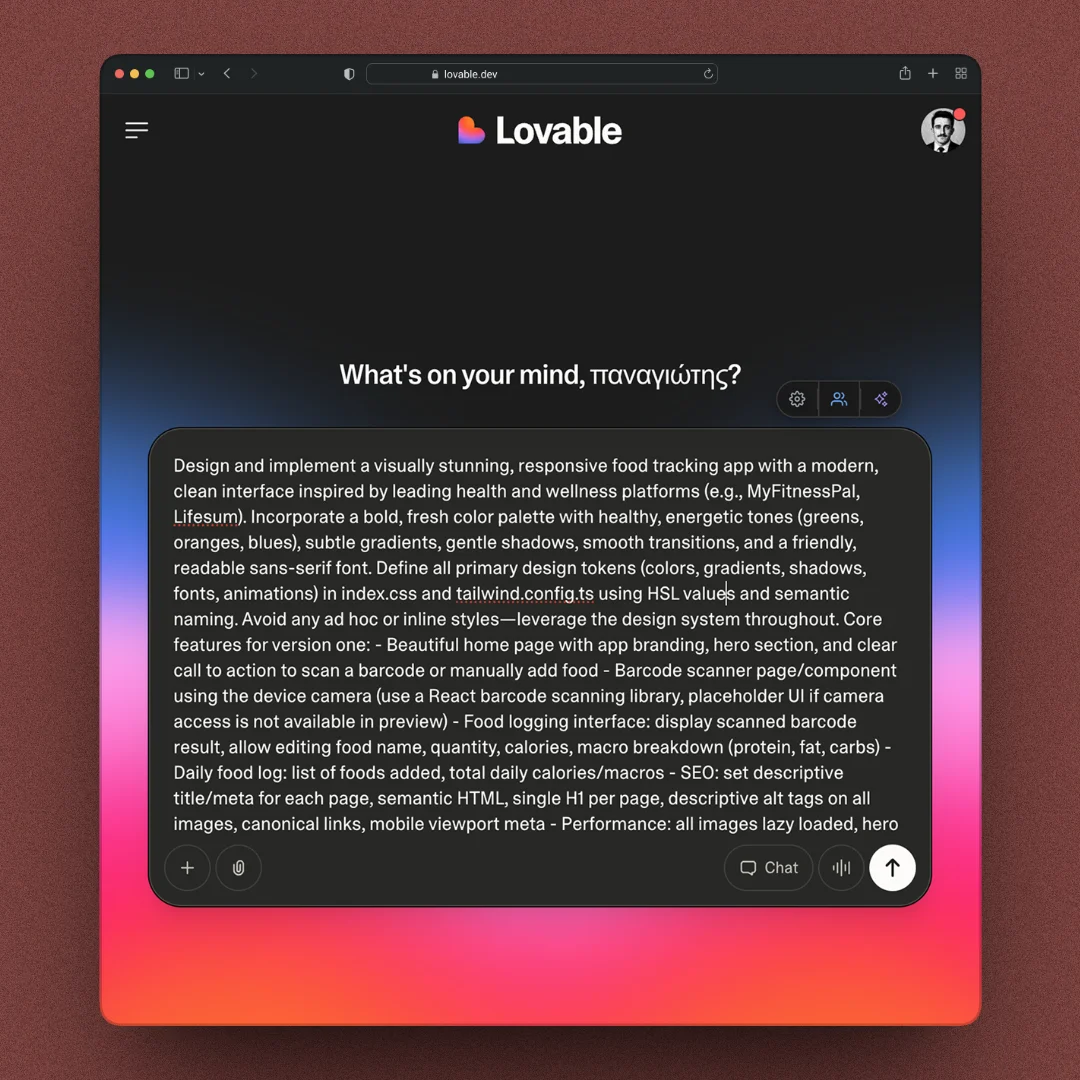
Use Desktop with selected text in Safari, Edge or any browser. In Chrome, the extension rewrites editable fields in place without Accessibility permission.
Add to Chrome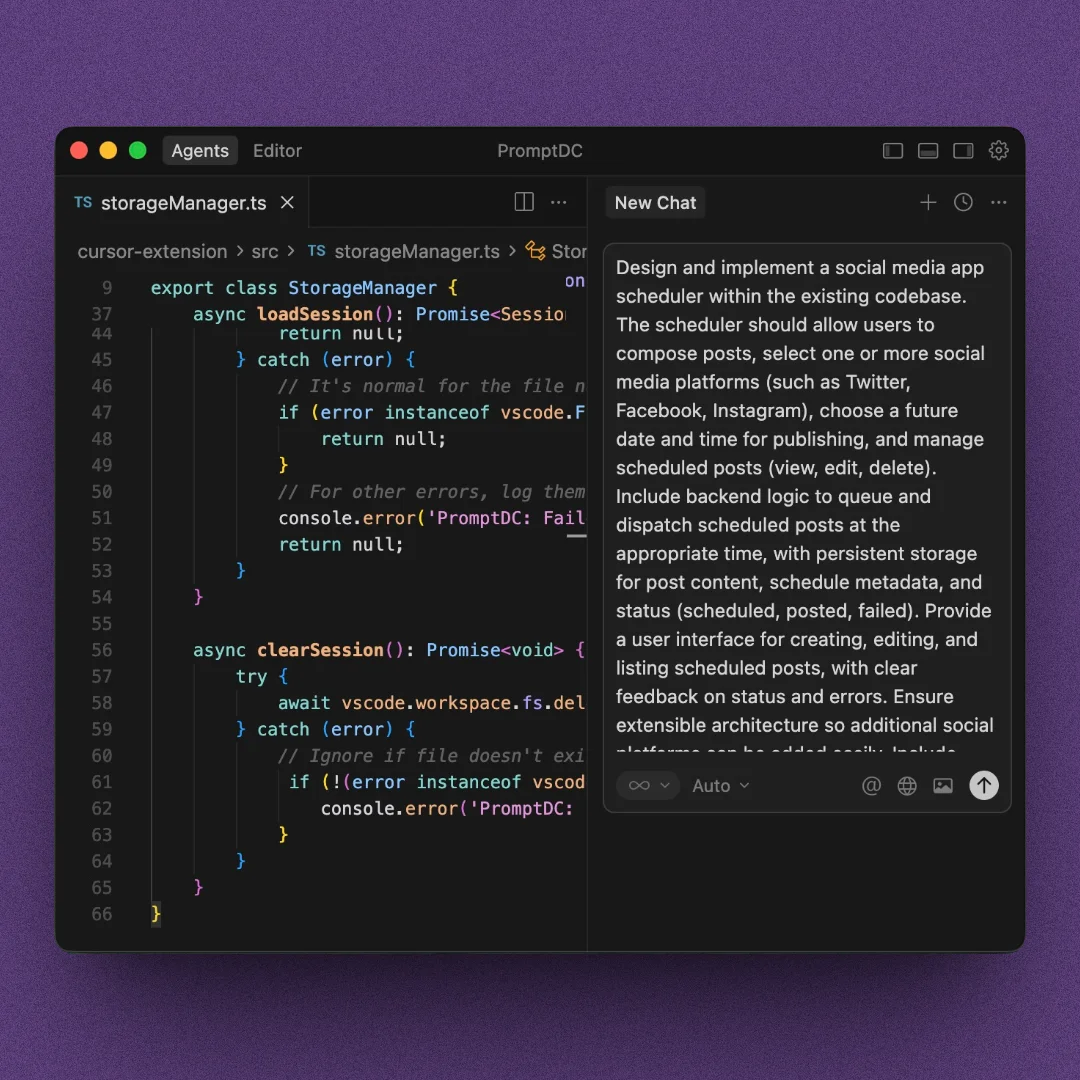
Use two quick shortcuts to enhance prompts typed in the AI chat in Cursor, Kiro, or another editor.
Use with Cursor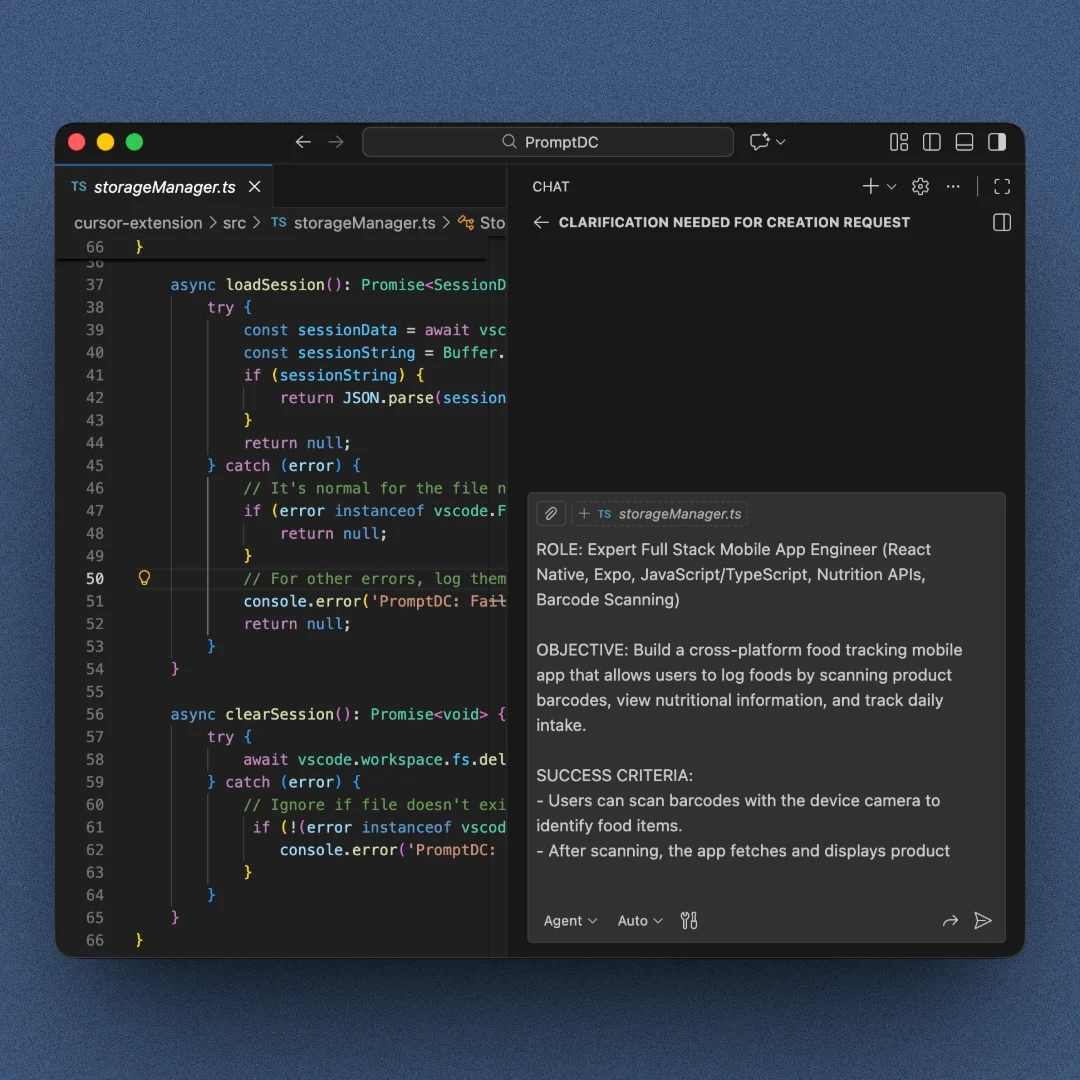
Write your prompt in the editor chat and enhance it with one keyboard shortcut.
Install for VS Code// Testimonials
Great tool! Thank you.
Petr Král
via. Chrome Web Store
the best
Ahmed Elbaz
via. Chrome Web Store
Just a congrats on a really, really helpful tool. It has completely changed the accuracy of of the output. What a time-saver.
Marius Bakkenn
via. Insighto
Nice big little prompt helper tool, just what I needed.
Kresimir Grancaric
via. Chrome Web Store
A very handy tool. Thank you PromptDC team!
Evolve Digital Labs
via. Chrome Web Store
Very useful I love it
Noah Sommerfeld
via. Chrome Web Store
This extension is already earning its keep. PromptDC helps me tighten up prompts fast, which translates into better code with fewer reruns. I emailed the developer some feedback and he was super responsive. And the next updates clearly reflected what I mentioned. Feels like a tool that’s actively improving instead of abandoned.
Ispaydeu
via. Open VSX
Practical guides on writing and prompting with AI.
Explainers · Aug 26, 2026 · 7 min
What Is a Terminal Prompt Enhancer?
A terminal prompt enhancer rewrites rough CLI instructions into clearer, tool-aware prompts, then lets you review and replace them without running the command.

Guides · Aug 26, 2026 · 8 min
Enhance Prompts in Claude Code, Codex CLI and Gemini CLI
Improve prompts for Claude Code, Codex CLI, and Gemini CLI inside your terminal with tool-specific targeting, editable review, and controlled replacement.

Comparisons · Aug 26, 2026 · 8 min
Desktop App or Chrome Extension: Which Should You Use?
Compare the PromptDC desktop app and Chrome extension, including app coverage, browser behavior, permissions, IDE support, and which surfaces to install.

Enhance any text you select on the desktop, on the web, in your editor or terminals.
Download PromptDC