Claude prompt optimizer — from desktop apps to terminals
Updated July 2026
PromptDC Desktop optimizes Claude prompts in every macOS and Windows app, browser, IDE and terminal. Select a draft, press the global shortcut, review the editable XML structure, role, constraints and output contract, then Replace or Copy.
Structure an architecture review
review this architecture and tell me what is wrong
You are a staff software architect reviewing a proposed event-driven billing system. <architecture> [Paste the architecture description here] </architecture> <task>Identify reliability, data-consistency, security, and operability risks. Distinguish confirmed issues from questions that require more context.</task> <constraints>Do not redesign the whole system. Prioritize the five highest-impact risks and explain the failure scenario for each.</constraints> <output_format>Return a table with: priority, component, risk, evidence, recommended mitigation, and validation step. Then list up to three clarifying questions.</output_format>
Why the rewrite is better: The role sets the review depth, XML tags isolate the source and instructions, and the output contract forces prioritized, evidence-based findings.
Plans from $9/mo, or Lifetime from $69 with your own API key.
More before and after examples
Each rewrite preserves the original intent while making the task clearer and easier to act on.
Constrain a Claude Code refactor
clean up this auth code
Act as a senior TypeScript maintainer. Refactor the authentication flow in src/auth/session.ts and src/middleware.ts for readability and testability. <requirements>Extract token parsing into a pure function; preserve all public exports; keep current cookie names and redirect behavior; add tests for expired, malformed, and missing tokens.</requirements> <constraints>Do not change the database schema, install packages, or edit billing routes. Show a brief plan before the patch and call out any behavior you cannot verify locally.</constraints> <done_when>Existing tests pass, new edge-case tests pass, and there are no TypeScript errors.</done_when>
Why the rewrite is better: It limits the blast radius, preserves public behavior, gives Claude Code exact files and tests, and defines completion without inviting a broad rewrite.
Ground a document comparison
compare these contracts
You are reviewing two vendor agreements for operational differences, not giving legal advice. <contract_a> [Paste contract A] </contract_a> <contract_b> [Paste contract B] </contract_b> <task>Compare payment terms, renewal, termination, service levels, data handling, liability caps, and governing law. Cite the relevant section heading or clause text for every difference.</task> <constraints>Use only the supplied contracts. Mark missing or ambiguous terms as ‘not found’ rather than inferring them.</constraints> <output_format>Return a side-by-side table, followed by five questions to raise with counsel.</output_format>
Why the rewrite is better: Tagged documents reduce source mixing, the constraint prevents invented terms, and clause-level grounding makes every comparison traceable.
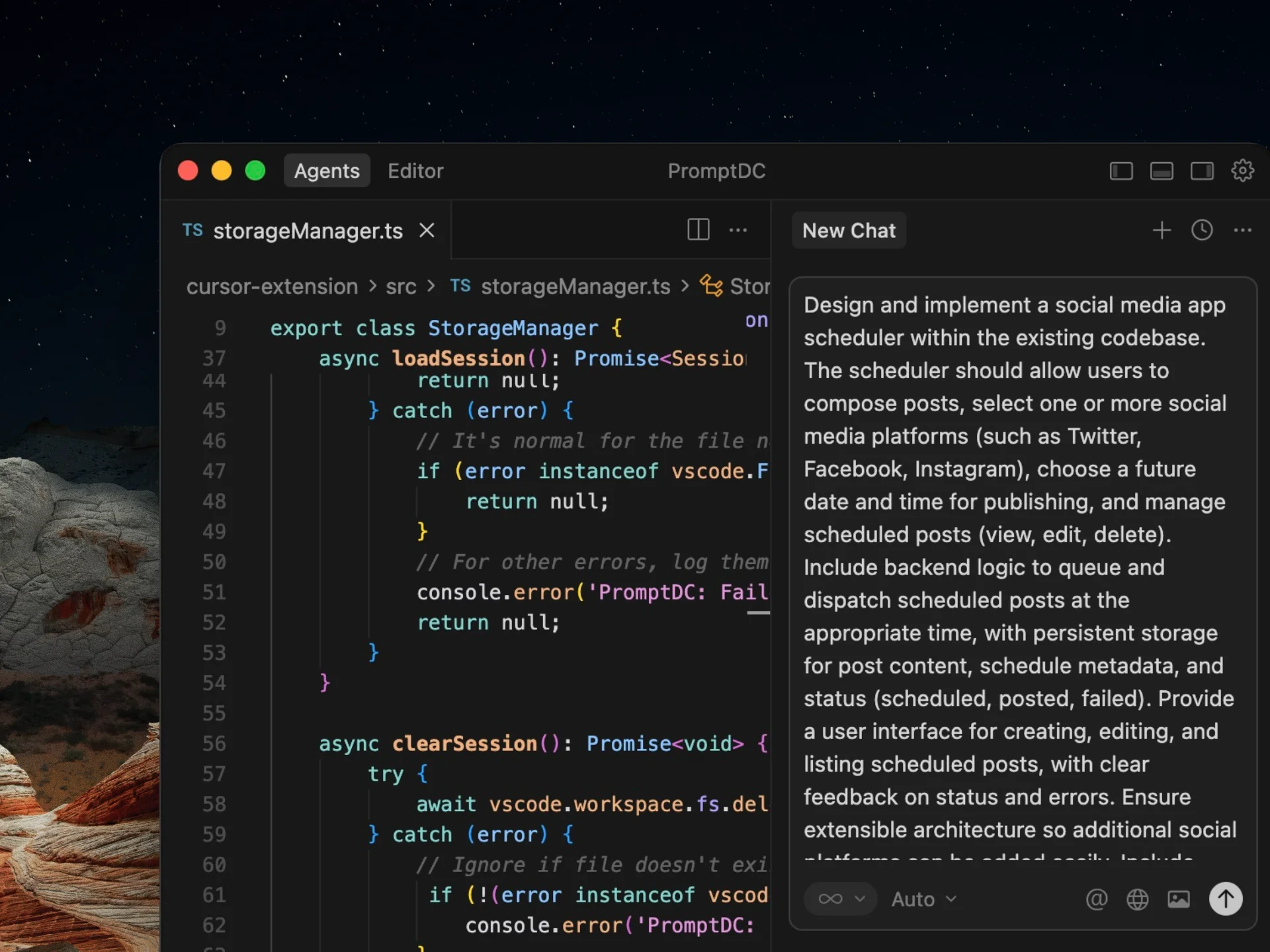
One desktop install works everywhere, enhancing Claude web and desktop chats, IDE panels, and Claude Code inside standalone or integrated terminals; PromptDC is the first desktop app to enhance prompts inside the terminal, and the Code profile also supports Codex CLI, Gemini CLI and Grok. The Chrome extension adds in-place web rewriting and per-website profiles without Accessibility permission. Optional IDE extensions add a Claude target-agent picker and Simple or Structured output.
Frequently asked questions
Why use XML tags in a Claude prompt?
Descriptive tags make the boundary between source material, instructions, examples, and constraints obvious. That is especially useful when a prompt contains long documents or several distinct inputs.
Should every Claude prompt assign a role?
Only when the role changes the depth, perspective, or standards of the response. Pair it with concrete instructions and constraints; a role by itself does not define a complete task.
Is this an interactive Claude optimizer?
No. This page presents curated examples. PromptDC is a paid desktop app that optimizes selected Claude prompts across macOS and Windows, with optional Chrome and IDE extensions.
Enhance your coding prompts.
Right where you code.
For clearer instructions, faster output, and better
coding results.