// Web writing
Write better across the webRewrite anything, wherever you type.
Your personal AI writing assistant
Writing help that lives in your browser. It fixes rough wording, rewrites in your own tone, and handles anything from quick edits to full replies, so you spend less time polishing and more time getting things done.
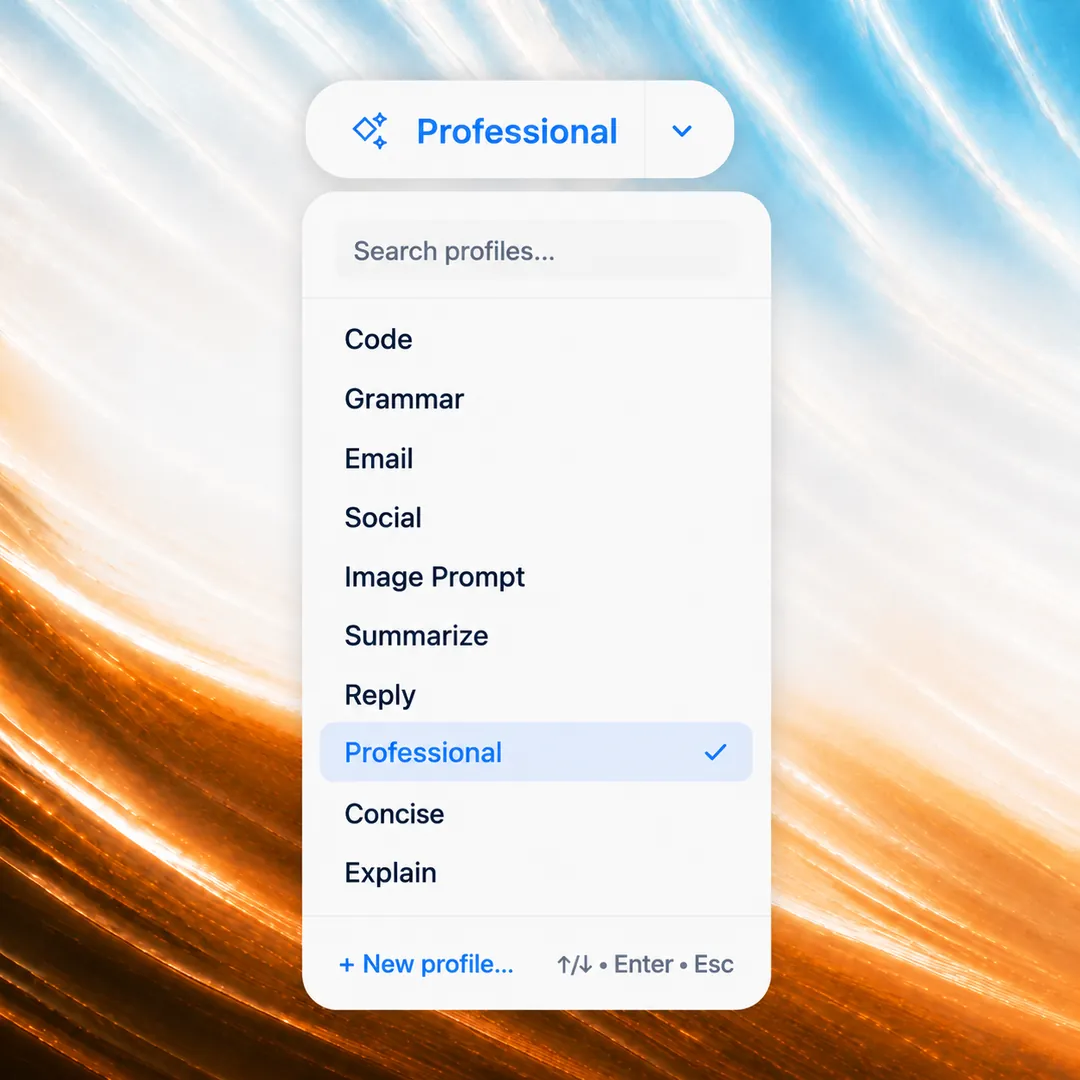
Built-in writing profiles
Use ready-made profiles for grammar, emails, social posts, and summaries, or create custom profiles for any task.
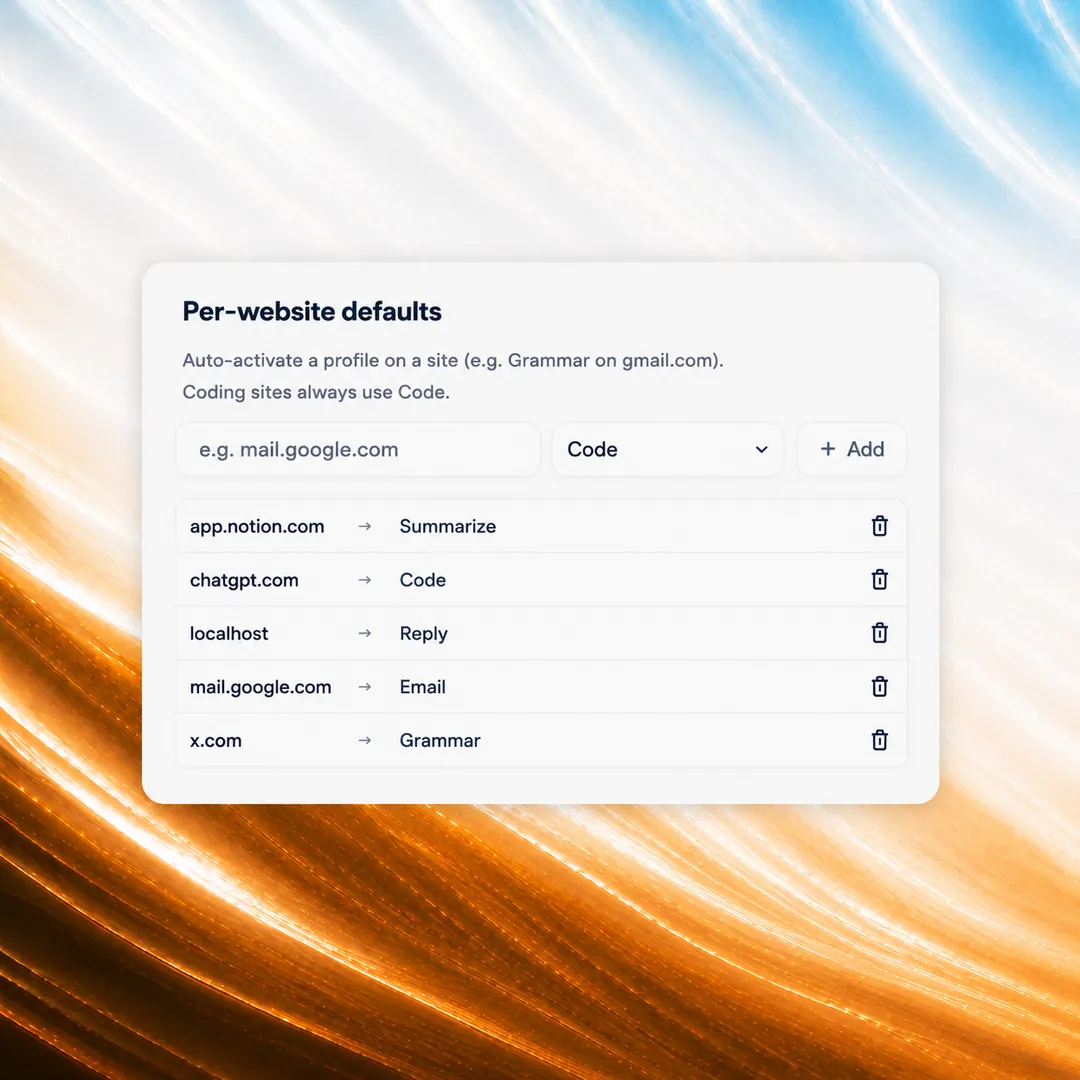
Per-site defaults
Set a default profile for each site, with Gmail in Email mode and LinkedIn in Social mode whenever you visit.
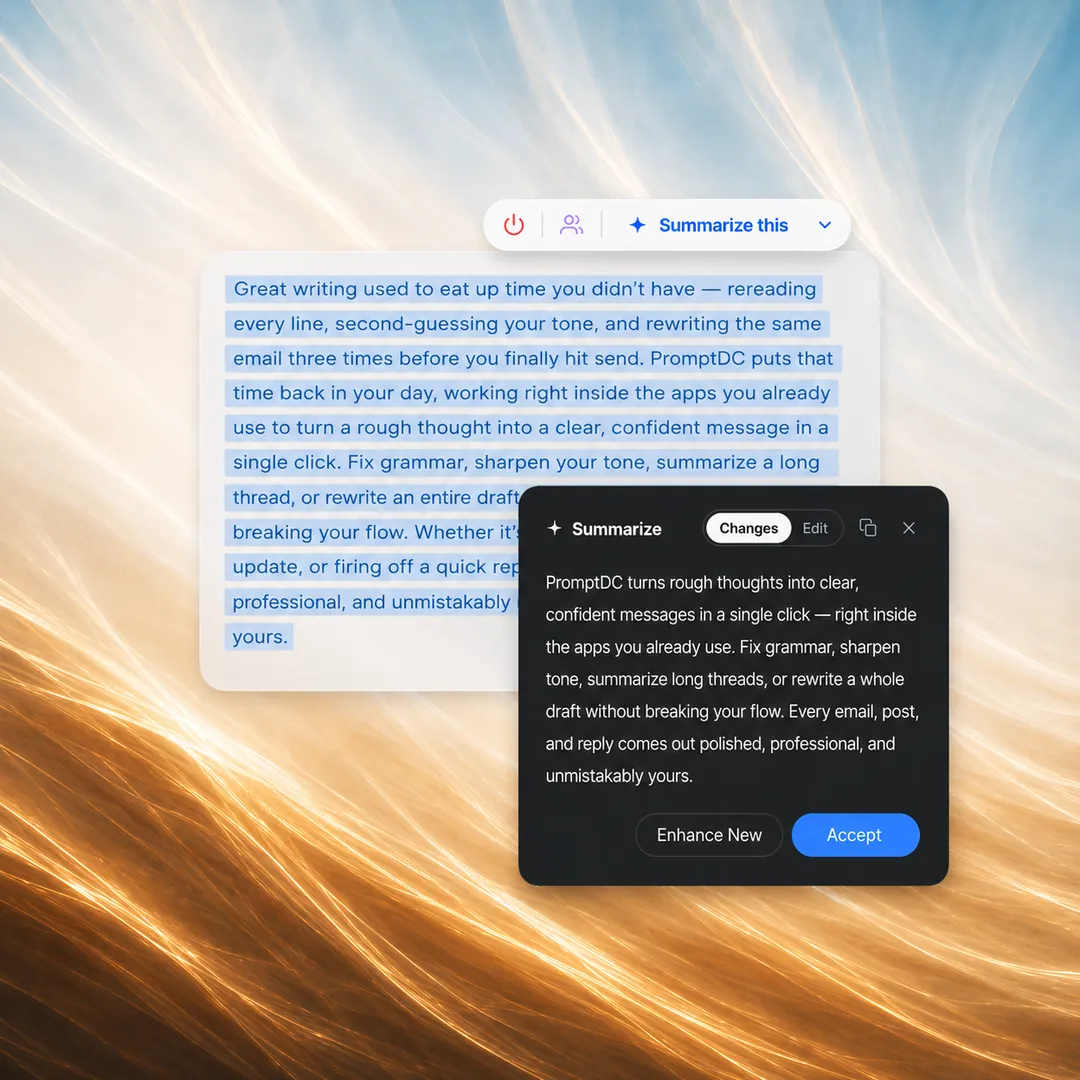
Works on any text you select
Use selected text or type anywhere. Results replace editable text or copy to your clipboard on read-only pages.
// The Code profile
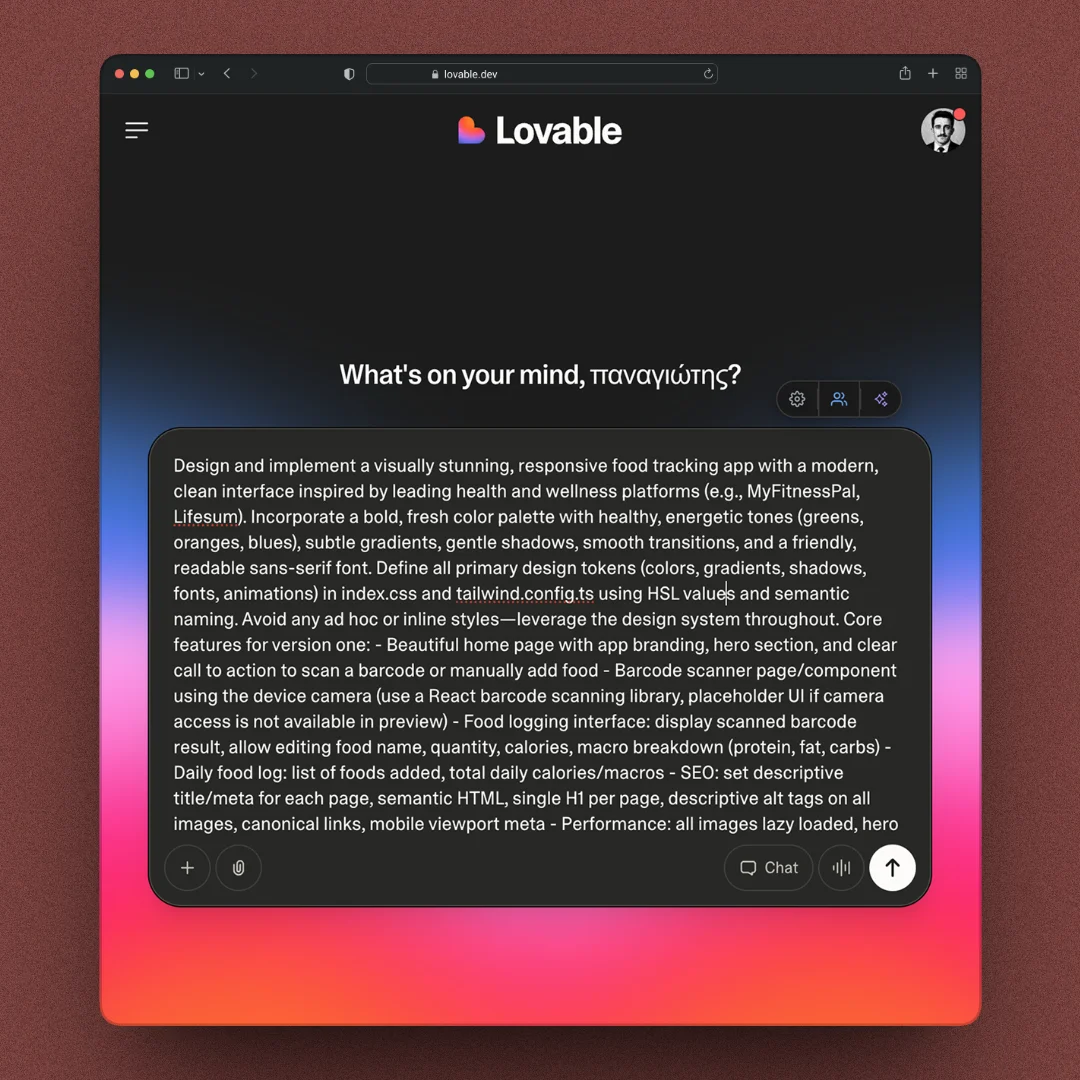
Enhance your prompts Without leaving your coding web platform
One-click enhancement
Enhance your prompts on any AI web platform with a single click. Instantly rewrites your input for better clarity, structure, and coding results.
Simple output
For the Code profile, get a quick, focused enhancement in a single paragraph for a small task.
Structured output
For the Code profile, receive organized output with sections for a complex, multi-step task.
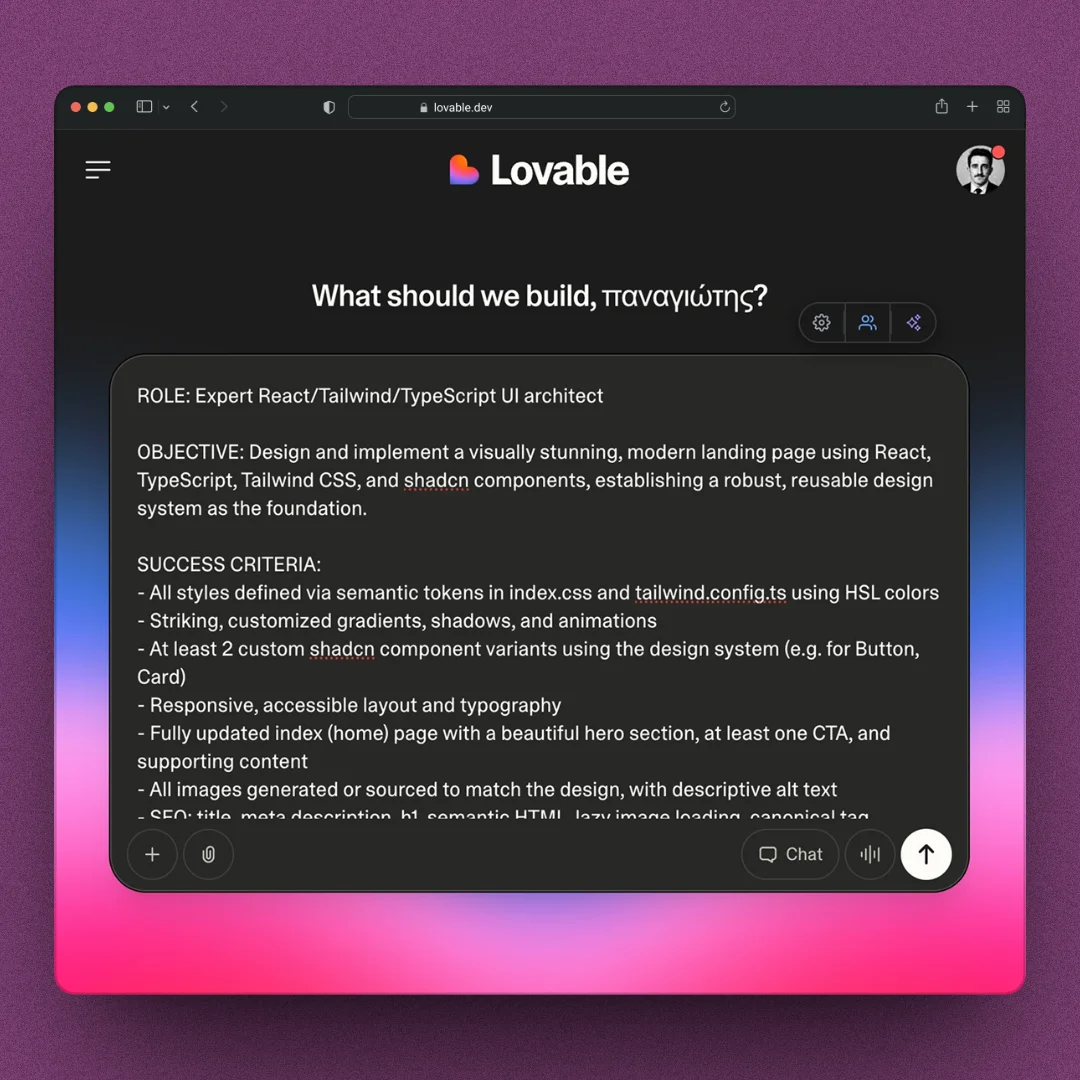
Automatic profile selection
PromptDC picks the right profile for where you are, with per-site rules when you want a different default.
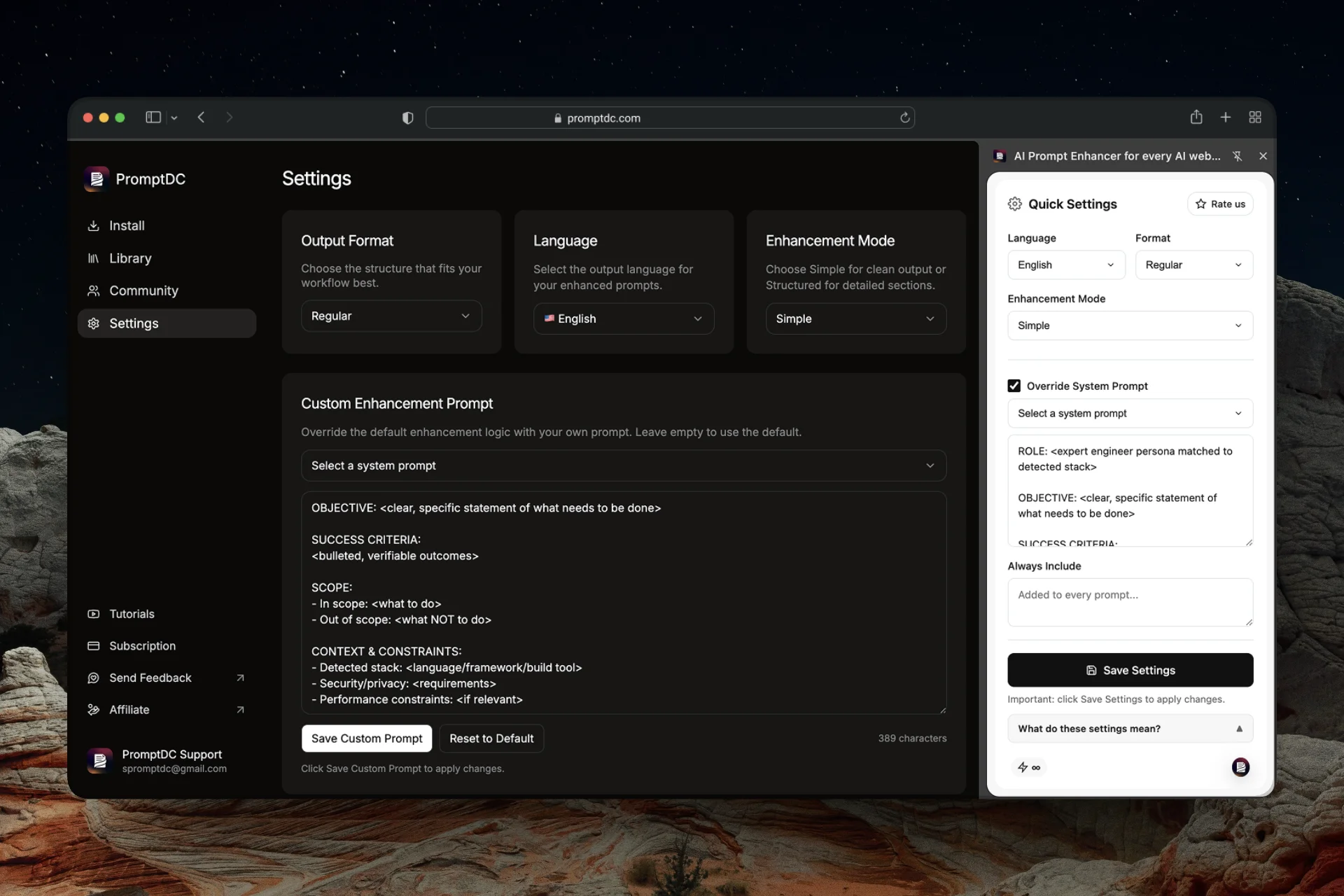
Custom prompt
Replace the default enhancement logic with your own system prompt. You can save it in your PromptDC settings or quickly switch it from the sidebar for instant access.
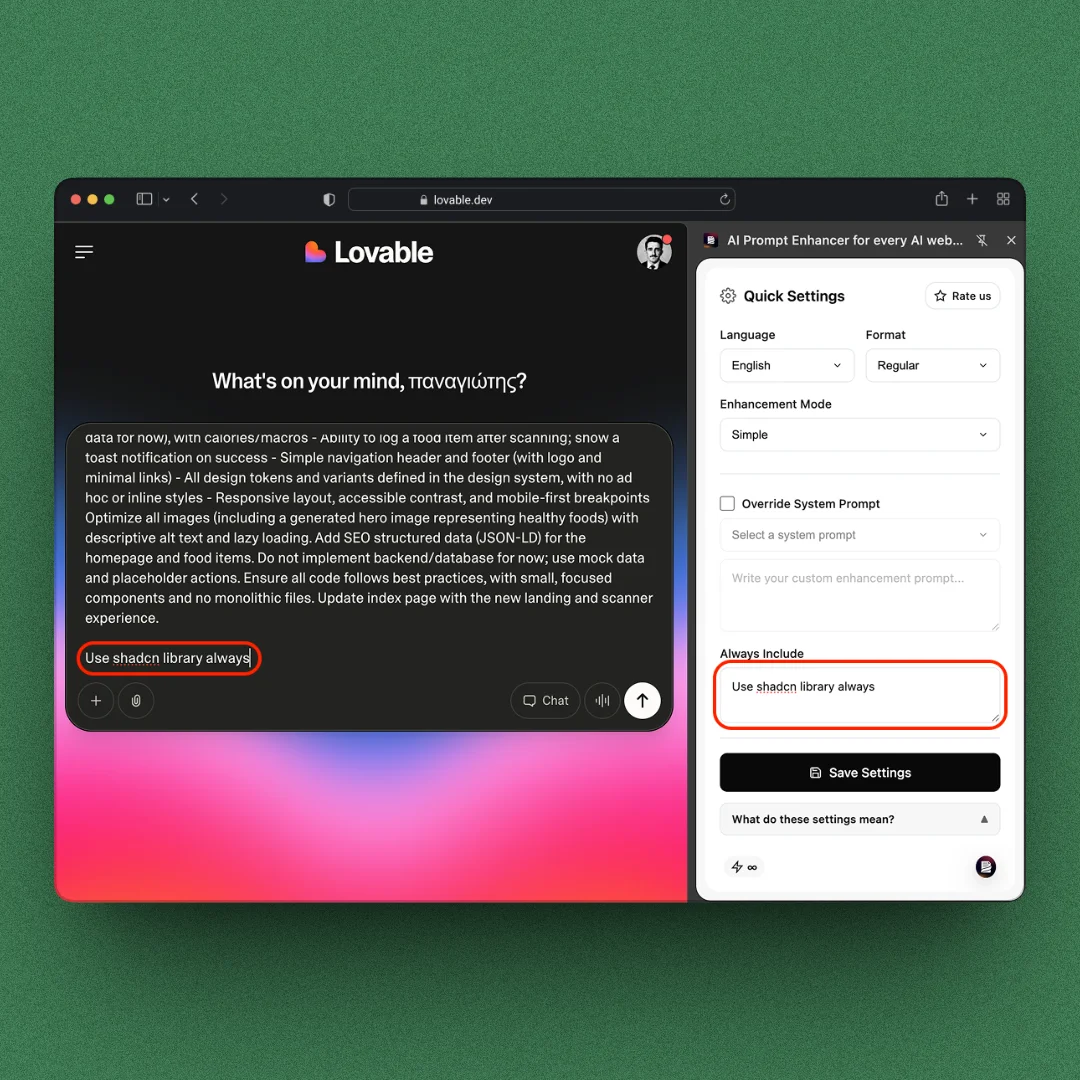
Always Include
Add up to 2,000 characters of rules or context to requests made with the Code profile.
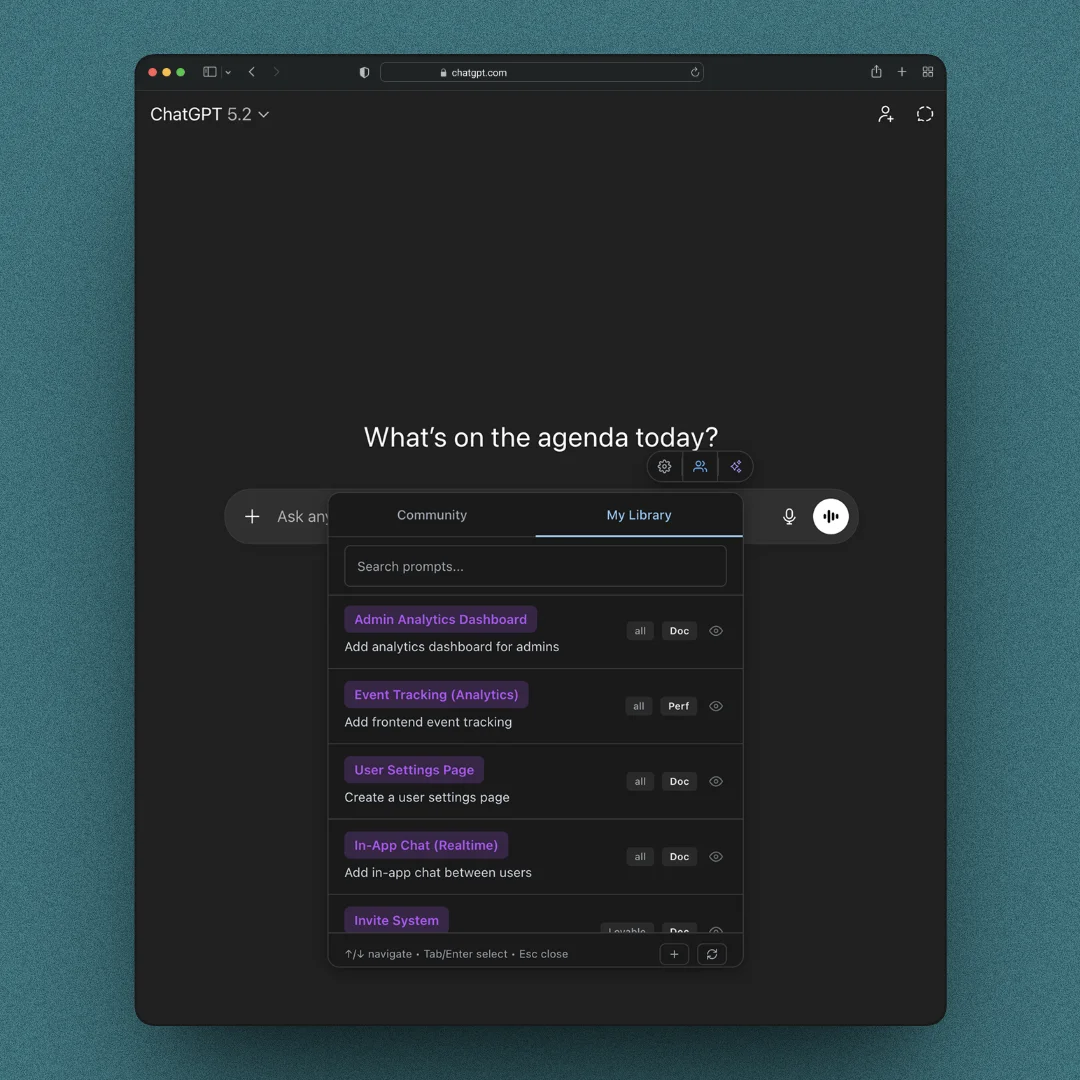
Personal library
Save your own prompts or files and reuse them instantly across any website.
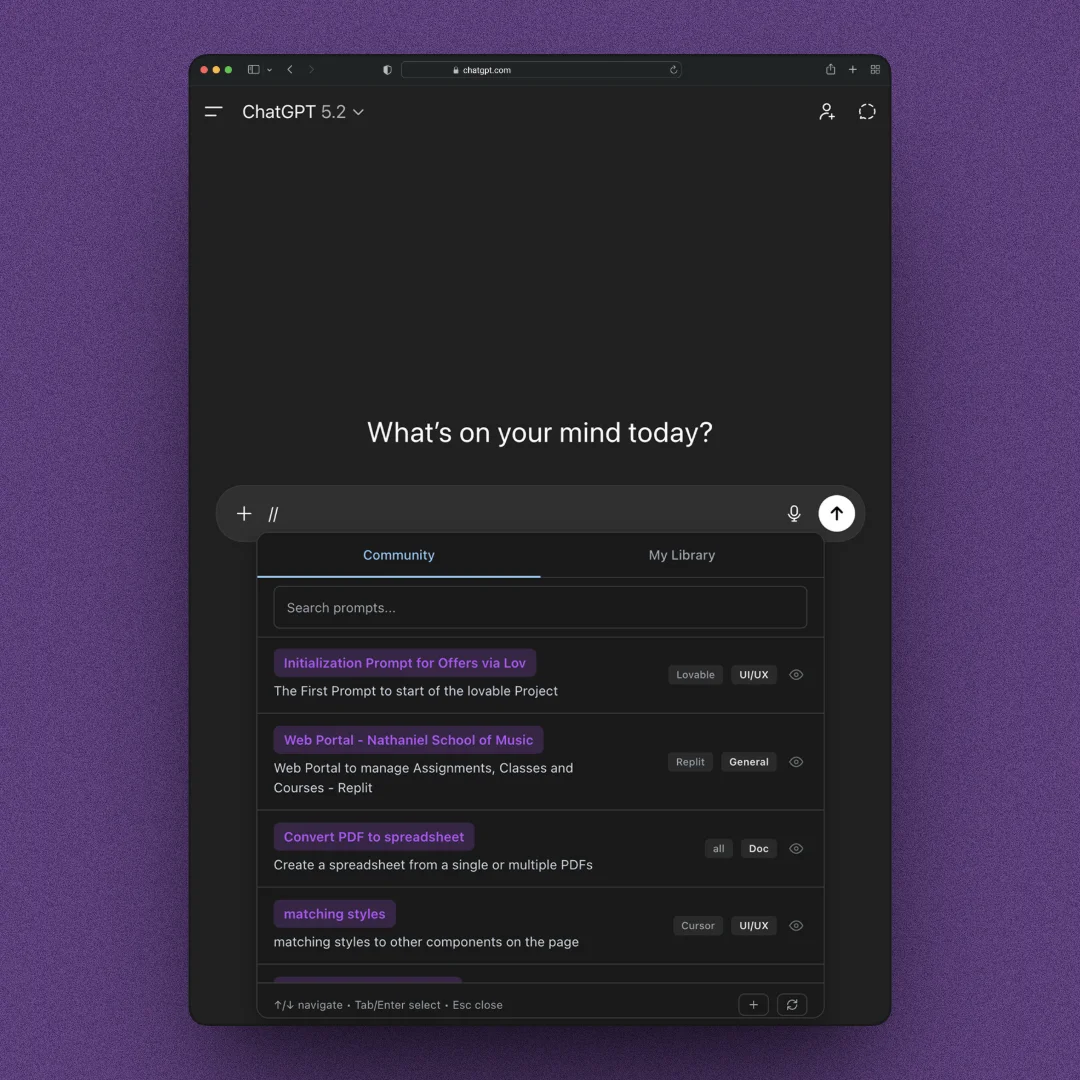
Community library
Browse, copy, and reuse prompts shared by the PromptDC community. Type // to open it in any chat.
// Core features
More ways to customize. Control every detail.
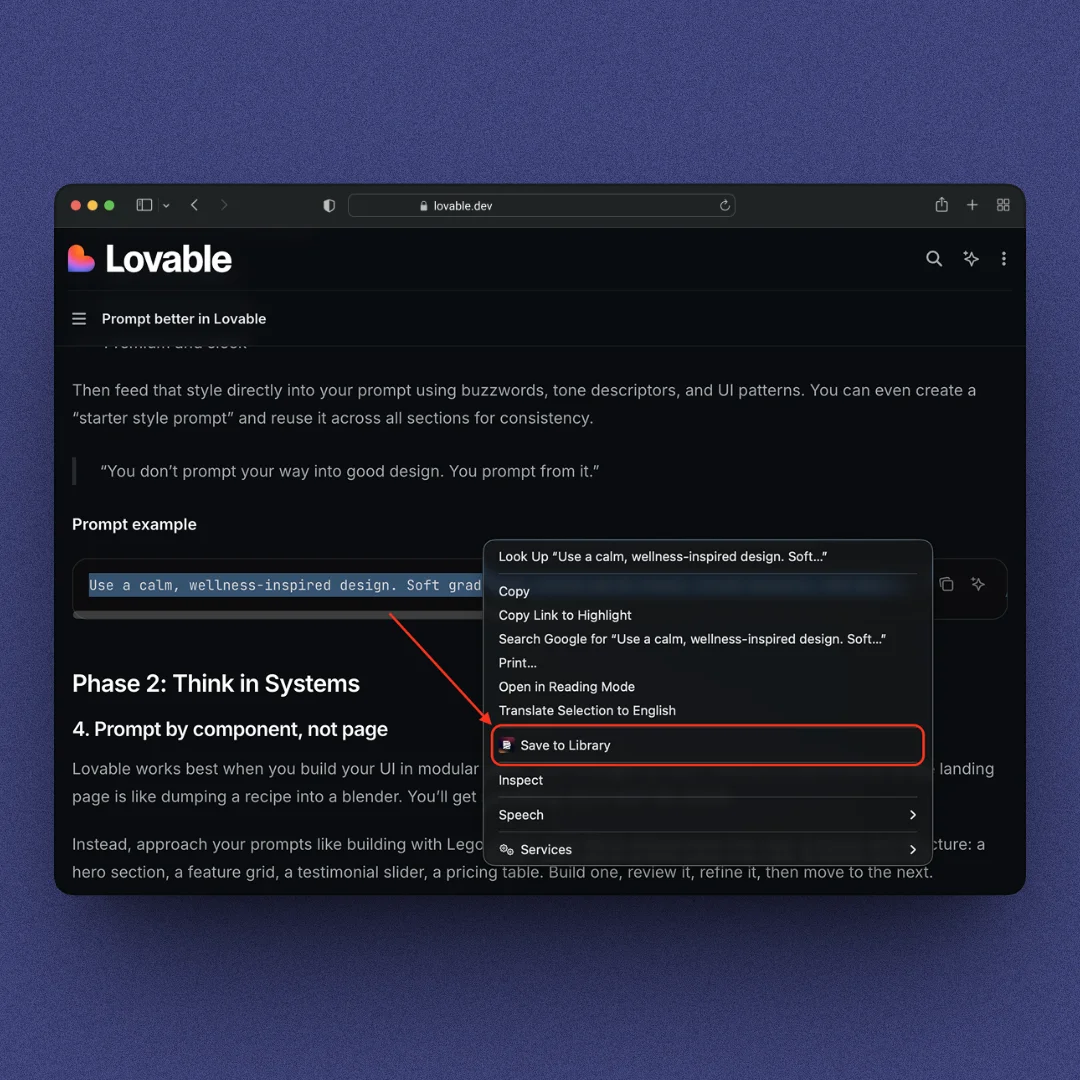
Save to library
Hover and select any text on any website, right-click, and save it instantly to your library for later reuse.
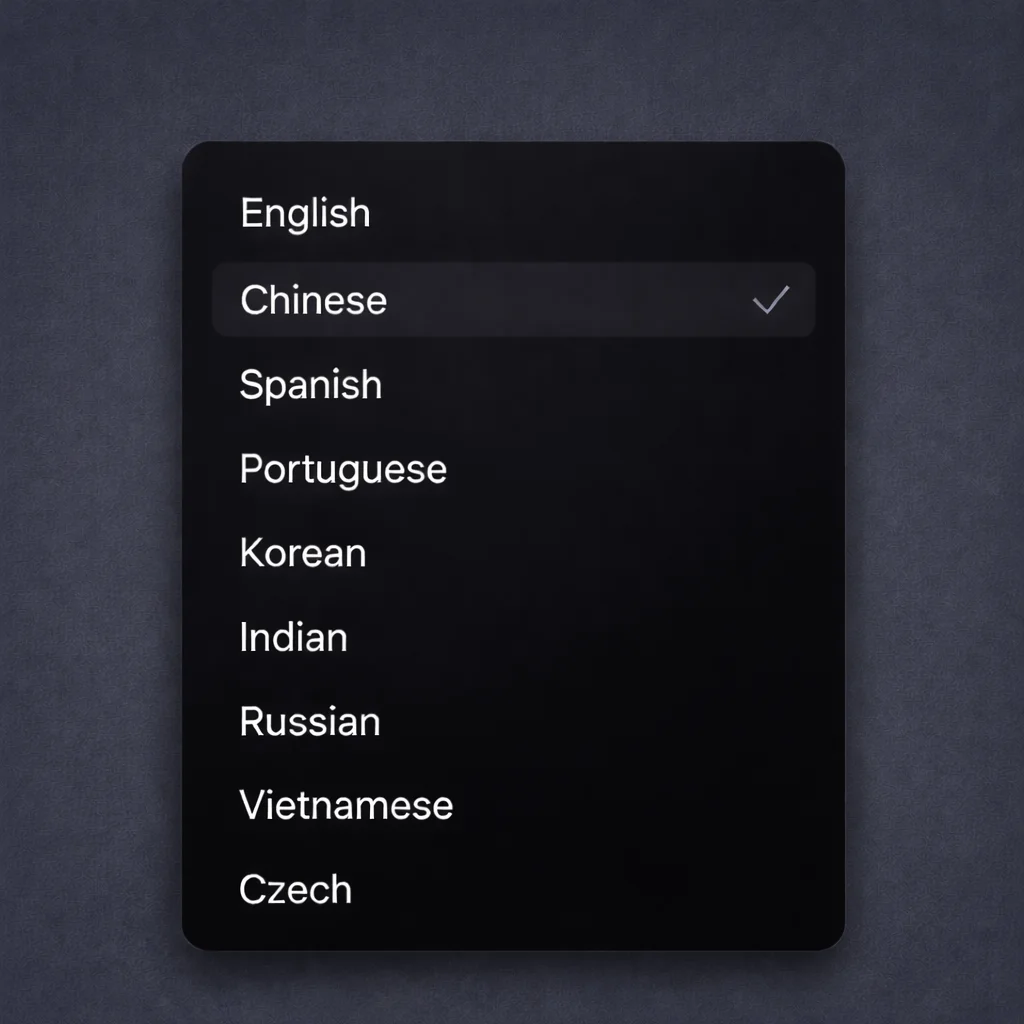
Language support
Enhance your prompts in different languages like Spanish, Chinese, Czech, and more.
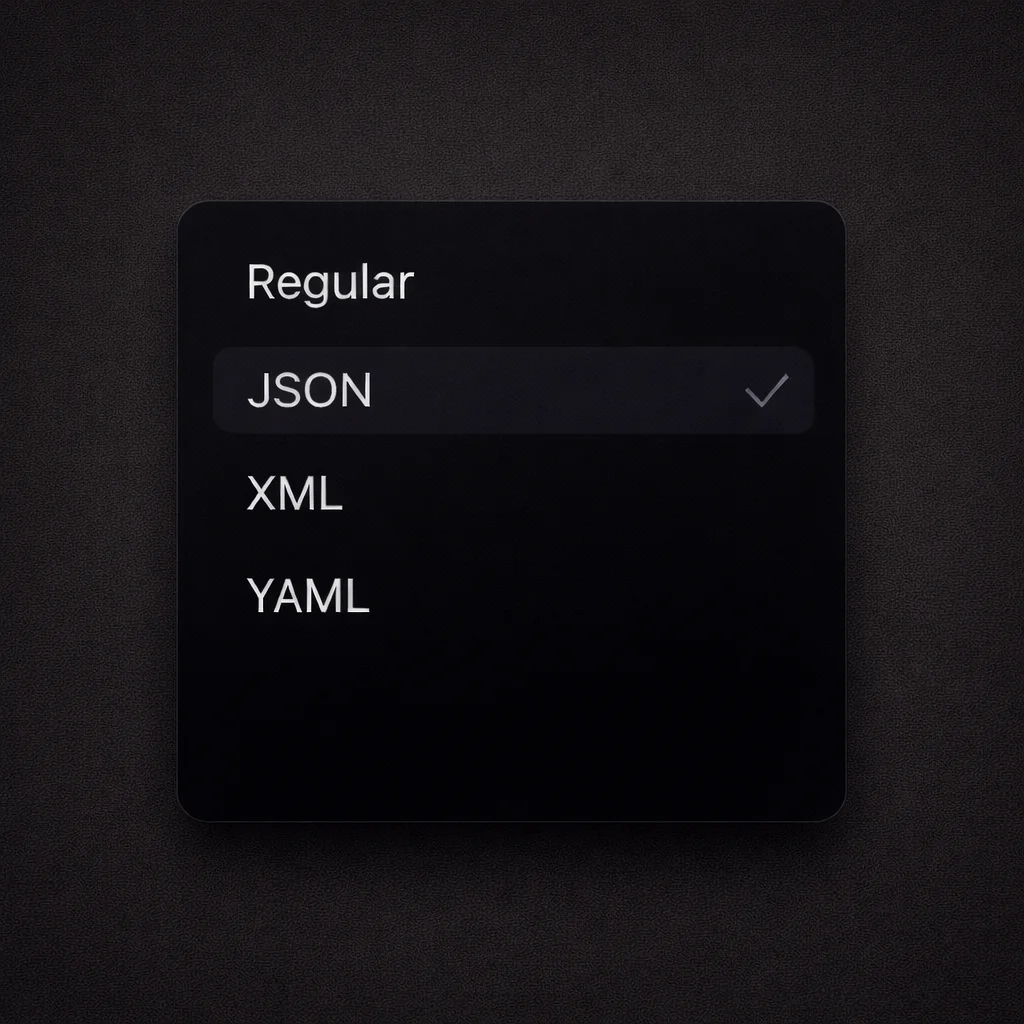
Format options
For the Code profile, choose Regular, JSON, XML, or YAML output with one click.

Write better with AI
Enhance any text you select on the desktop, on the web, in your editor or terminals.
Download PromptDC