Cursor prompt generator for terminals, IDEs and every app
Updated July 2026
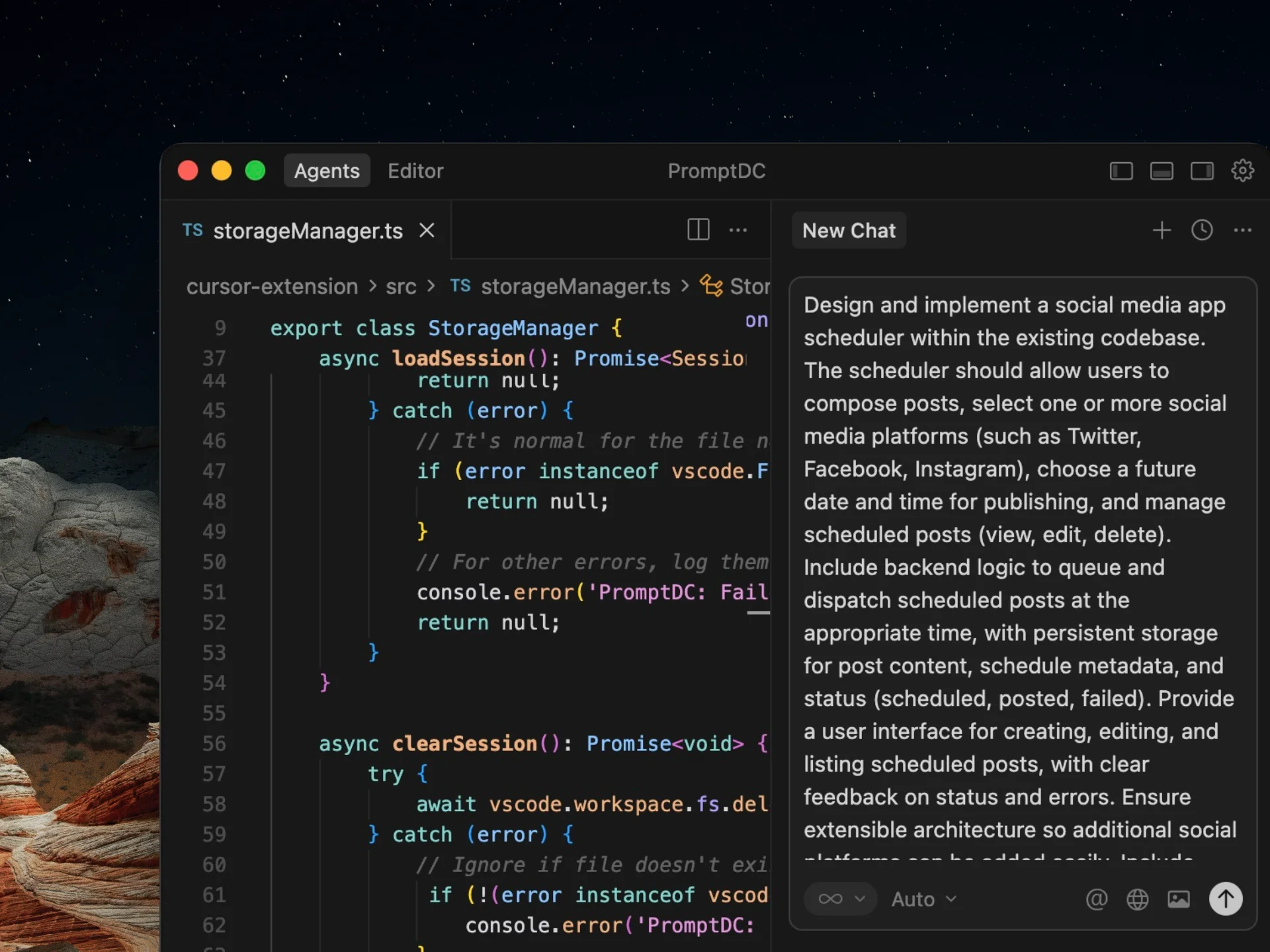
PromptDC Desktop turns rough requests into implementation-ready Cursor prompts from any text field, Cursor chat panel or integrated terminal on macOS and Windows. Select the text, use the global shortcut, review the editable result, then Replace or Copy.
Before and after
add auth to my app
Add email/password authentication to the Next.js app. Use the existing Supabase client in src/lib/supabase.ts. Add: a /login page (email + password form), a signUp and signIn helper in src/lib/auth.ts, and a useUser() hook. Protect /dashboard with a redirect to /login when unauthenticated. Handle and display auth errors inline. Don't touch billing or the Stripe code. Acceptance: I can sign up, log out, log back in, and /dashboard is gated.
Plans from $9/mo, or Lifetime from $69 with your own API key.
One desktop install works everywhere: Cursor, VS Code, every browser and terminal CLIs including Claude Code, Codex CLI, Gemini CLI and Grok. PromptDC is the first desktop app to enhance prompts inside the terminal. Set Code as Cursor’s per-app default profile to add target files, constraints, edge cases and acceptance criteria. The Chrome extension is available for web fields; the optional IDE extension adds a target-agent picker and Simple or Structured output in the editor chat panel.
Frequently asked questions
What makes a good Cursor prompt?
Name the files to change, the exact behavior you want, constraints (what not to touch), edge cases, and acceptance criteria. PromptDC adds these automatically so Cursor writes correct code with fewer retries.
Does this work for other AI coding tools?
Yes. The desktop app works in VS Code, Windsurf and other coding apps, plus Claude Code, Codex CLI, Gemini CLI and Grok inside standalone or integrated terminals.
Is the Cursor prompt generator free?
No. PromptDC is a paid tool. This page shows before-and-after examples; the desktop app enhances your own Cursor prompts, and the IDE extension is an optional addition.
Enhance your coding prompts.
Right where you code.
For clearer instructions, faster output, and better
coding results.