

Integrate Tempo with PromptDC

Updated July 2026

Enhance your coding prompts on Tempo with PromptDC extension. Get better results by enhancing your coding prompts with multiple formats available (JSON, XML, YAML, Text).

Tempo Icon
PromptDC Logo

See PromptDC in Action

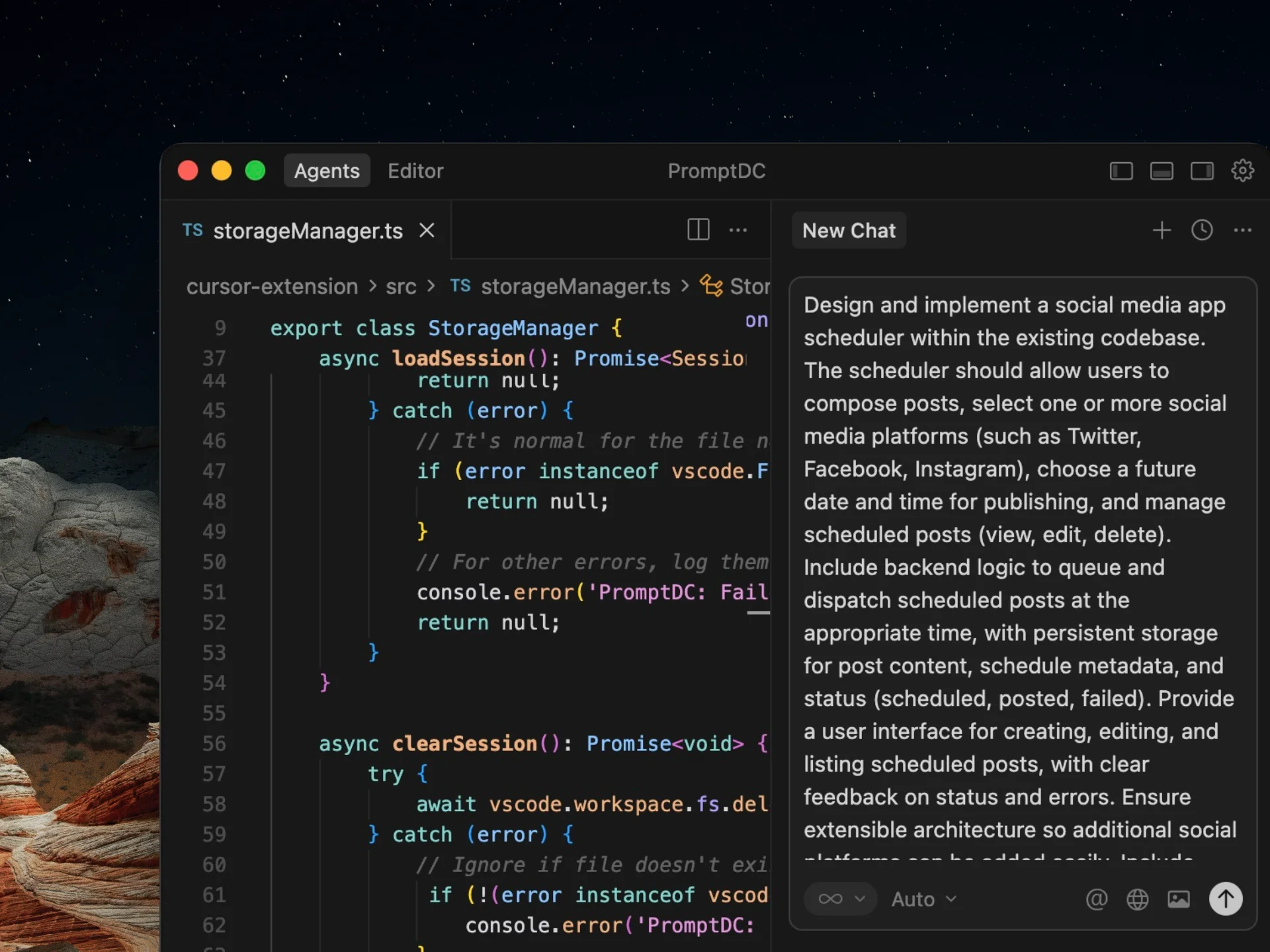
This demo shows the standard PromptDC flow, and it works the same way in Tempo.

Why Use PromptDC with Tempo?

Discover the key benefits of integrating PromptDC with your coding workflow.

1-Click Enhancement

Enhance your prompts with a single click in multiple formats

Save Credits

Clearer structure and instructions lead to more accurate results

Save Time

Enhance prompts directly inside your AI platform without switching tabs

Universal System Prompt

Built using insights from common system prompts across platforms

Multiple Formats

Choose from formats like JSON, YAML, and more when enhancing prompts

Multiple Languages

Support for non-English users to prompt comfortably while coding

Before and after prompts for Tempo

See how specific context, constraints, and outcomes turn a rough request into a prompt Tempo can act on.

Build settings from a design system

Before

Create a settings page in our style.

After

Use components in src/components/ui.
Sections: profile, password, notifications, accounts, delete.
Follow tailwind.config.ts and the billing-page patterns.
No raw hex, custom shadows, or new form library.
Include responsive, validation, saved, and confirm states.
Turn a card mockup into React

Before

Code this attached card design.

After

Create a reusable ProjectCard component.
Props: title, owner, status, dueDate, progress, image, onOpen.
Match at 320px and flow cleanly to 480px.
Reuse Badge, Avatar, and Progress.
Add hover, focus, overdue, missing-image, completed variants.

Fix tablet layout

Before

Fix how this page looks on tablet.

After

Change analytics only from 768px to 1024px.
Keep charts readable and use a two-row filter bar.
Prevent KPI label and value from splitting.
Use existing breakpoints unless one container query is simpler.
Verify at 768, 834, 1024, and 200% zoom.

Frequently Asked Questions

Enhance your coding prompts.
Right where you code.

For clearer instructions, faster output, and better
coding results.

Install PromptDC
Cursor editor preview