

Integrate Softgen with PromptDC

Updated July 2026

Enhance your coding prompts on Softgen with PromptDC extension. Get better results by enhancing your coding prompts with multiple formats available (JSON, XML, YAML, Text).

Softgen Icon
PromptDC Logo

See PromptDC in Action

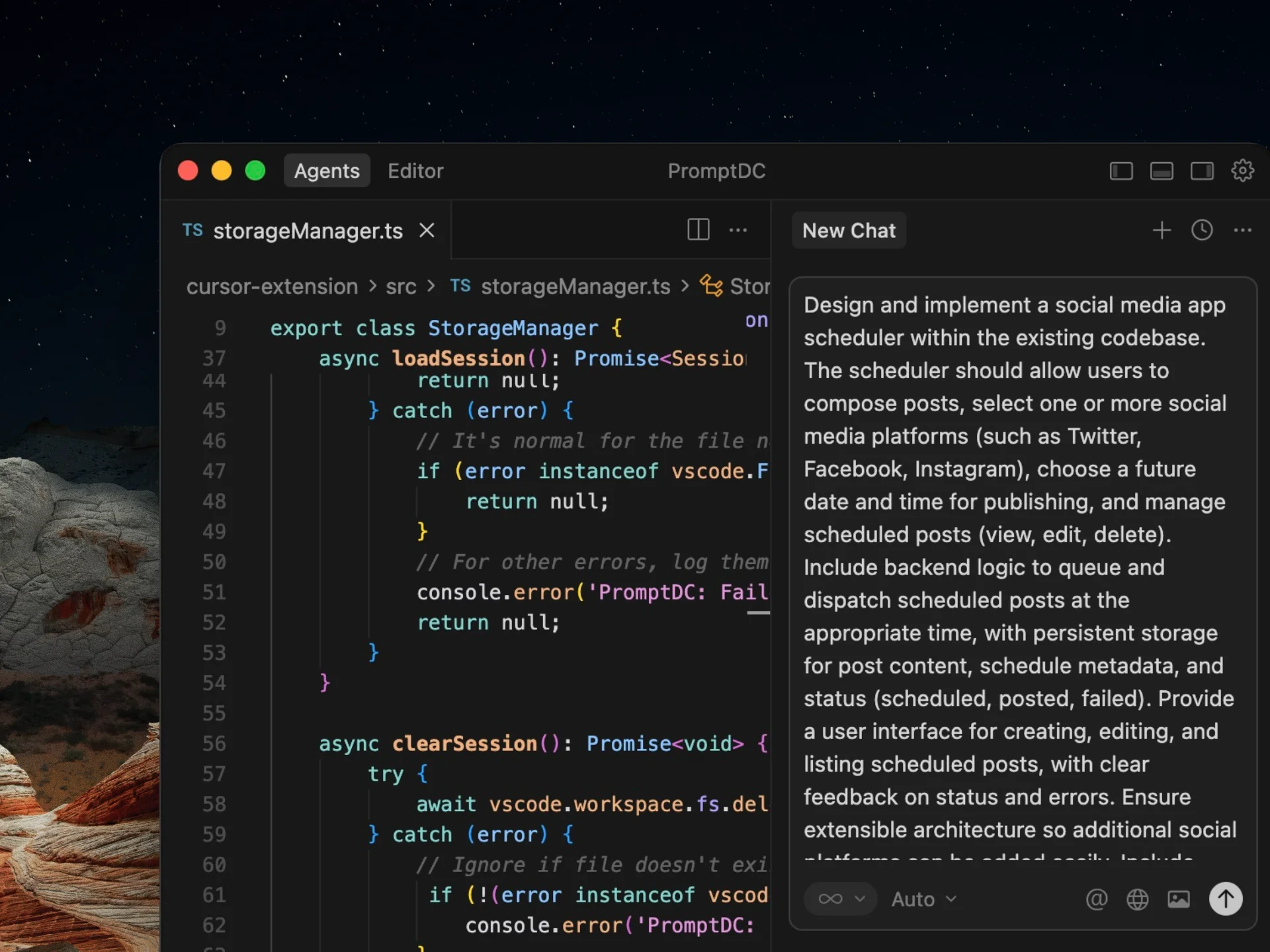
This demo shows the standard PromptDC flow, and it works the same way in Softgen.

Why Use PromptDC with Softgen?

Discover the key benefits of integrating PromptDC with your coding workflow.

1-Click Enhancement

Enhance your prompts with a single click in multiple formats

Save Credits

Clearer structure and instructions lead to more accurate results

Save Time

Enhance prompts directly inside your AI platform without switching tabs

Universal System Prompt

Built using insights from common system prompts across platforms

Multiple Formats

Choose from formats like JSON, YAML, and more when enhancing prompts

Multiple Languages

Support for non-English users to prompt comfortably while coding

Before and after prompts for Softgen

See how specific context, constraints, and outcomes turn a rough request into a prompt Softgen can act on.

Build a feedback portal

Before

Create a feedback app for agencies.

After

Build workspaces with clients, projects, versions, comments, approvals.
Comment on images by coordinates and videos by timestamp.
Upload new versions without losing old feedback.
Add agency and client role permissions.
Seed realistic reviews and notification preferences.
Add an approval gate

Before

Let clients approve a design.

After

Only invited client reviewers can approve or request changes.
Require a comment for changes and confirmation for approval.
Freeze annotations after approval.
Admins may reopen with a required reason.
Audit transitions and notify the project owner.

Create an agency overview

Before

Make a dashboard for all projects.

After

Order the dashboard by items needing attention.
Sections: agency response, client review, overdue, approved.
Cards show client, project, version, owner, date, activity.
Filter owner and client through URL state.
Hide empty groups and show an all-clear state.

Frequently Asked Questions

Enhance your coding prompts.
Right where you code.

For clearer instructions, faster output, and better
coding results.

Install PromptDC
Cursor editor preview