
Integrate Polymet with PromptDC

Updated July 2026

Enhance your coding prompts on Polymet with PromptDC extension. Get better results by enhancing your coding prompts with multiple formats available (JSON, XML, YAML, Text).

Polymet Icon
PromptDC Logo

See PromptDC in Action

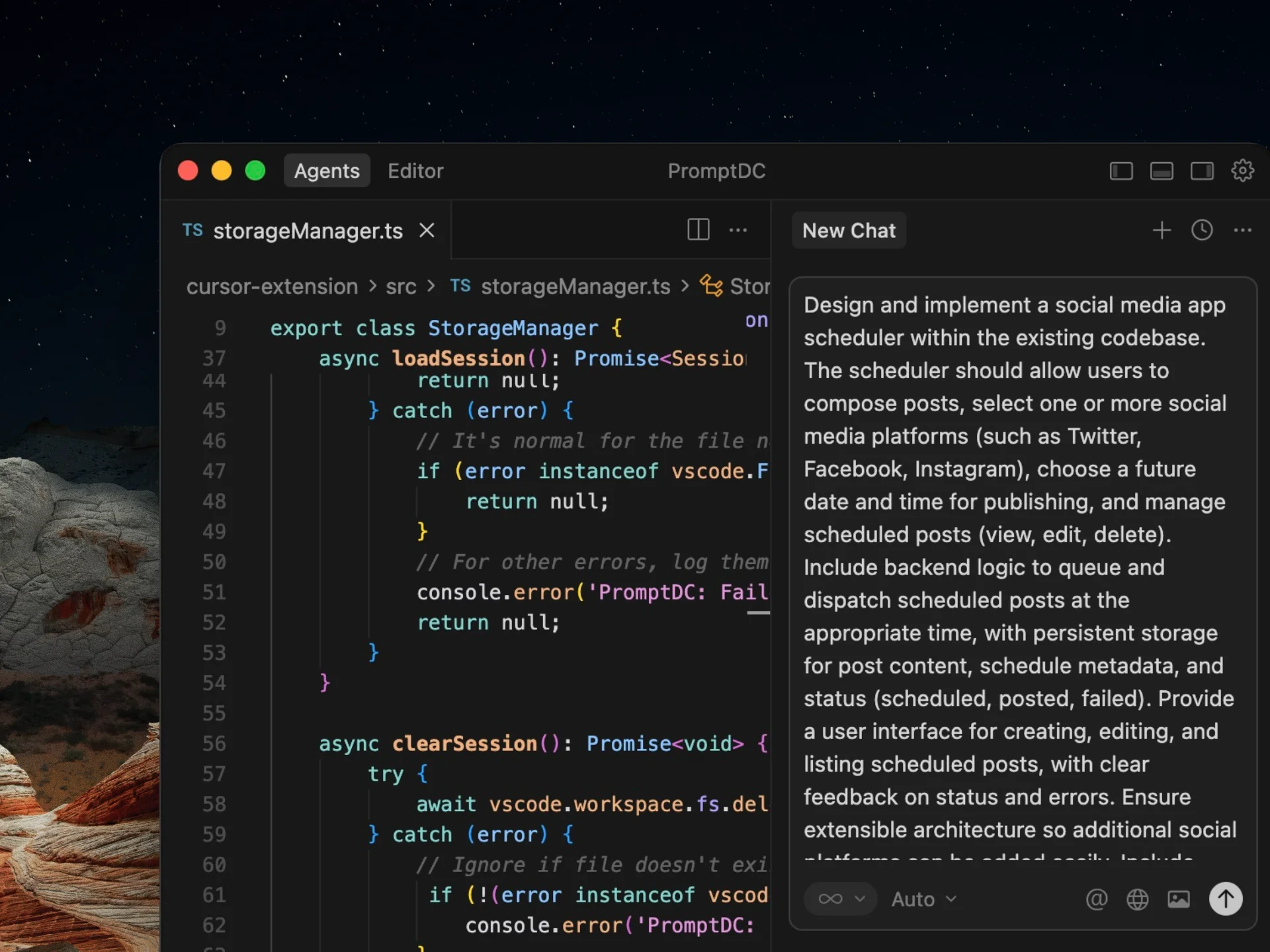
This demo shows the standard PromptDC flow, and it works the same way in Polymet.

Why Use PromptDC with Polymet?

Discover the key benefits of integrating PromptDC with your coding workflow.

1-Click Enhancement

Enhance your prompts with a single click in multiple formats

Save Credits

Clearer structure and instructions lead to more accurate results

Save Time

Enhance prompts directly inside your AI platform without switching tabs

Universal System Prompt

Built using insights from common system prompts across platforms

Multiple Formats

Choose from formats like JSON, YAML, and more when enhancing prompts

Multiple Languages

Support for non-English users to prompt comfortably while coding

Before and after prompts for Polymet

See how specific context, constraints, and outcomes turn a rough request into a prompt Polymet can act on.

Prototype settings

Before

Design account settings.

After

Design profile, workspace, members, billing, notifications, API keys.
Use supplied design-system tokens and components.
Desktop uses side navigation; mobile uses a screen list.
Include saved, validation, and permission-disabled states.
Confirm dangerous actions explicitly.
Specify a data table

Before

Design a data table component.

After

Support sort, filter, column visibility, select, page, bulk actions.
Define loading, empty, error, partial, and overflow states.
Use current spacing and color tokens.
Meet WCAG AA and keyboard navigation.
Deliver annotated variants and engineering behavior notes.

Explore onboarding variants

Before

Give me a few onboarding designs.

After

Create three onboarding concepts for a monitoring tool.
Cover connection, first-data wait, and first alert.
Vary interaction models, not only visual styling.
Keep brand type and violet accent; no confetti.
Explain tradeoffs, ideal user, and mobile adaptation.

Frequently Asked Questions

Enhance your coding prompts.
Right where you code.

For clearer instructions, faster output, and better
coding results.

Install PromptDC
Cursor editor preview