

Integrate Databutton with PromptDC

Updated July 2026

Enhance your coding prompts on Databutton with PromptDC extension. Get better results by enhancing your coding prompts with multiple formats available (JSON, XML, YAML, Text).

Databutton Icon
PromptDC Logo

See PromptDC in Action

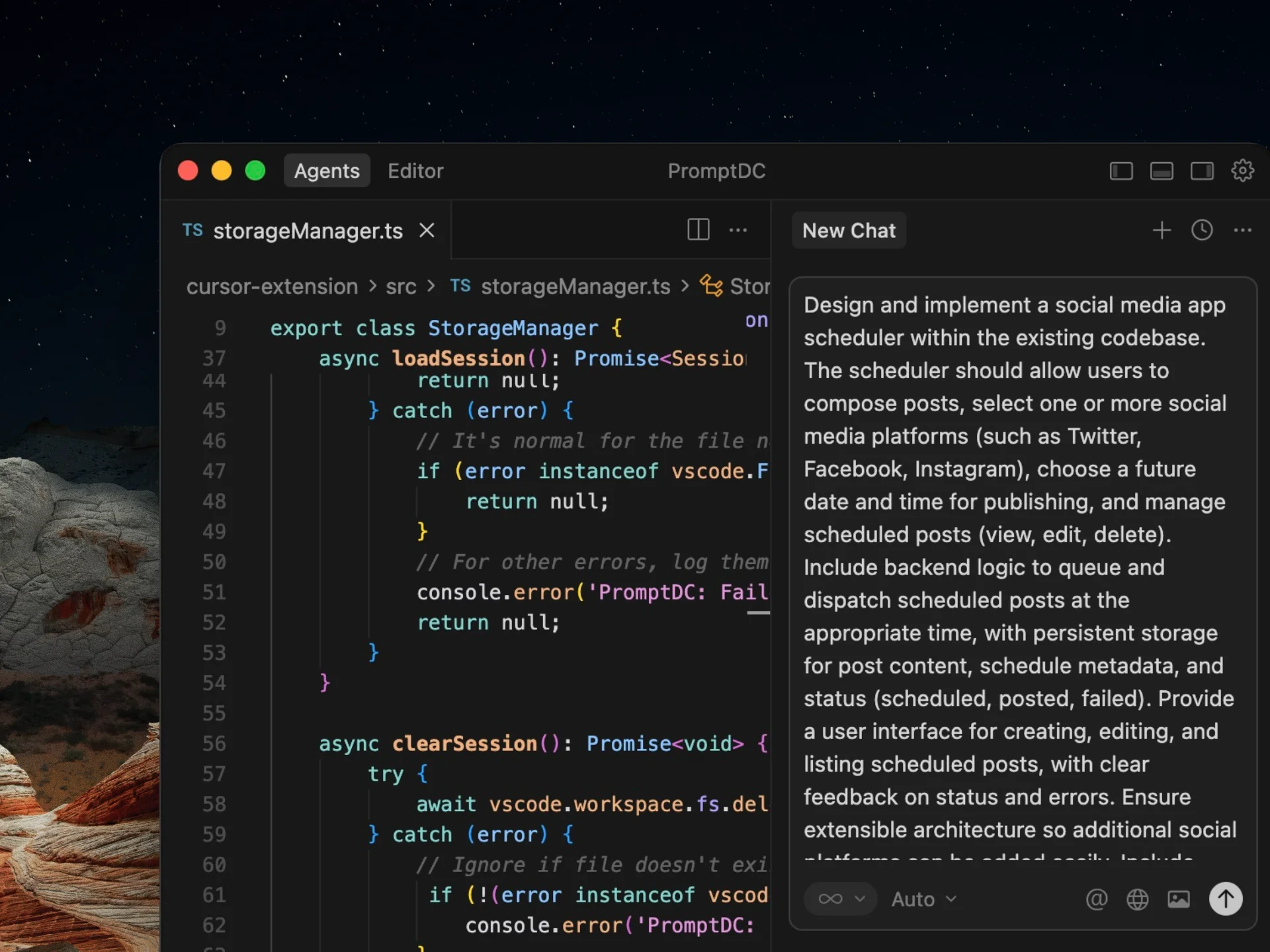
This demo shows the standard PromptDC flow, and it works the same way in Databutton.

Why Use PromptDC with Databutton?

Discover the key benefits of integrating PromptDC with your coding workflow.

1-Click Enhancement

Enhance your prompts with a single click in multiple formats

Save Credits

Clearer structure and instructions lead to more accurate results

Save Time

Enhance prompts directly inside your AI platform without switching tabs

Universal System Prompt

Built using insights from common system prompts across platforms

Multiple Formats

Choose from formats like JSON, YAML, and more when enhancing prompts

Multiple Languages

Support for non-English users to prompt comfortably while coding

Before and after prompts for Databutton

See how specific context, constraints, and outcomes turn a rough request into a prompt Databutton can act on.

Build lead scoring

Before

Make an app that scores leads.

After

Build an internal lead-scoring app for B2B sales.
Import company, role, employees, country, and engagement.
Calculate an explainable 0 to 100 score from editable rules.
Show explanations, filters, and a review queue before export.
Version rules so past runs remain reproducible.
Add PDF questions

Before

Let users ask questions about PDFs.

After

Let signed-in users upload PDF policy documents.
Answer only from selected documents.
Cite document and page; admit when evidence is absent.
Show upload, processing, ready, and failed states.
Prevent access across workspaces and cap files at 20 MB.

Create a score dashboard

Before

I need a dashboard for the scores.

After

Show score bands, top rule contributions, and weekly movement.
Filter by owner, territory, source, and rule version.
Click a chart segment to open matching leads.
Explain empty states and partial data.
Export only the currently filtered rows.

Frequently Asked Questions

Enhance your coding prompts.
Right where you code.

For clearer instructions, faster output, and better
coding results.

Install PromptDC
Cursor editor preview