
Integrate Aura with PromptDC

Updated July 2026

Enhance your coding prompts on Aura with PromptDC extension. Get better results by enhancing your coding prompts with multiple formats available (JSON, XML, YAML, Text).

Aura Icon
PromptDC Logo

See PromptDC in Action

This demo shows the standard PromptDC flow, and it works the same way in Aura.

Why Use PromptDC with Aura?

Discover the key benefits of integrating PromptDC with your coding workflow.

1-Click Enhancement

Enhance your prompts with a single click in multiple formats

Save Credits

Clearer structure and instructions lead to more accurate results

Save Time

Enhance prompts directly inside your AI platform without switching tabs

Universal System Prompt

Built using insights from common system prompts across platforms

Multiple Formats

Choose from formats like JSON, YAML, and more when enhancing prompts

Multiple Languages

Support for non-English users to prompt comfortably while coding

Before and after prompts for Aura

See how specific context, constraints, and outcomes turn a rough request into a prompt Aura can act on.

Design a wellness landing page

Before

Make a nice landing page for a meditation app.

After

Create a landing page for a meditation app called Still.
Sections: hero, benefits, preview, testimonials, pricing, FAQ.
Use warm ivory, forest green, whitespace, and subtle grain.
Use rounded imagery but square buttons; avoid gradient text.
CTA: Start a 7-day trial; meet WCAG AA on mobile.
Refine an architecture hero

Before

Improve the hero and make it modern.

After

Redesign only the homepage hero for an architecture studio.
Use an editorial two-column layout and one tall project image.
Keep the existing navigation and copy unchanged.
Pair a large serif headline with compact sans metadata.
Avoid glass effects, pill buttons, and decorative animation.

Build a launch waitlist

Before

Add a waitlist section.

After

Add an email waitlist section before the footer.
Include value statement, email field, consent, and submit button.
Show invalid, success, and server-error states inline.
Match current spacing and type scale; add no new colors.
Stack controls on mobile with 44px minimum targets.

Frequently Asked Questions

Enhance your coding prompts.
Right where you code.

For clearer instructions, faster output, and better
coding results.

Install PromptDC
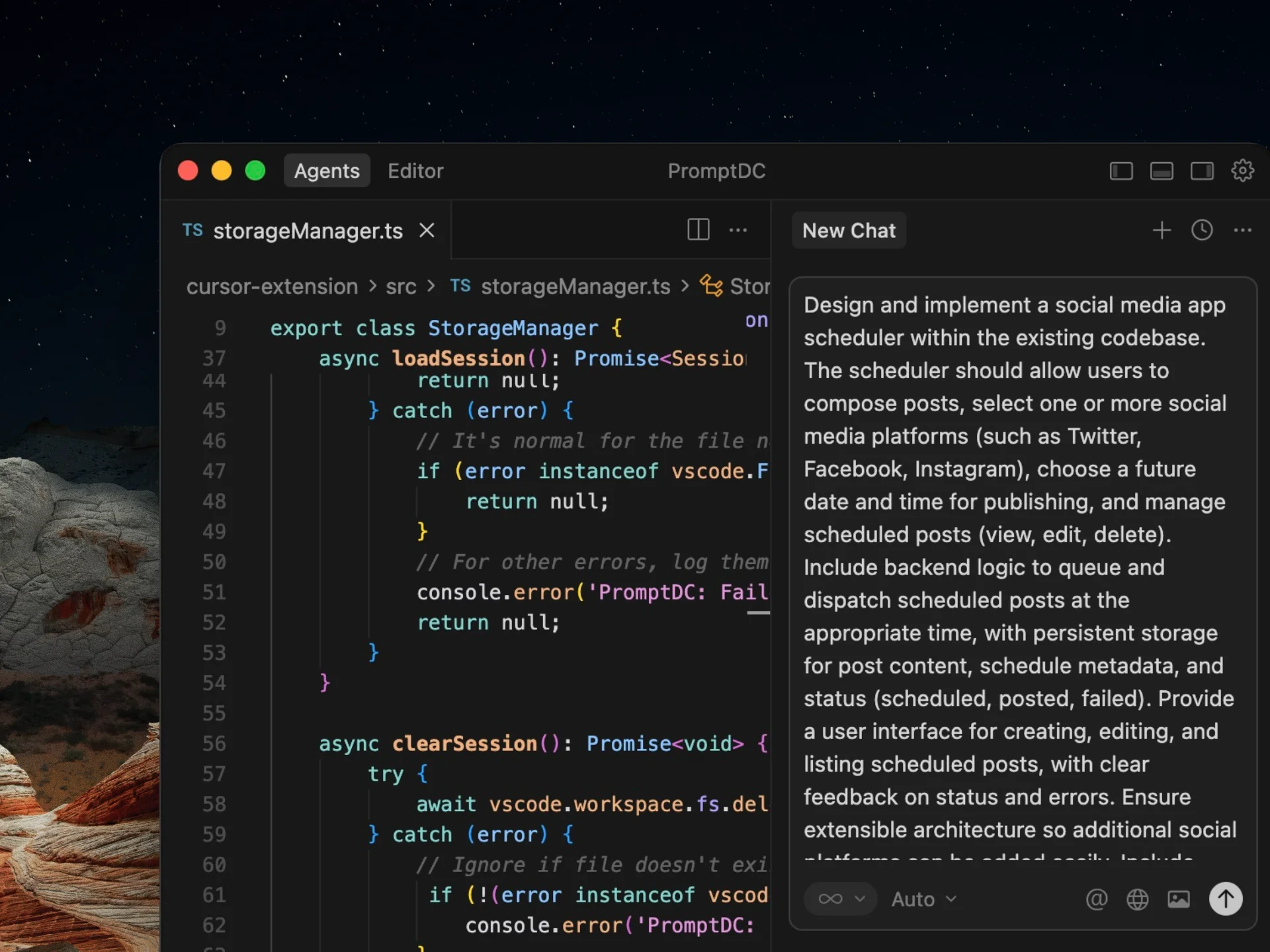
Cursor editor preview